
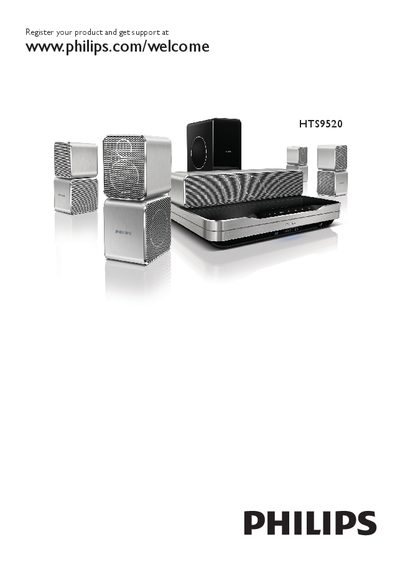
This manual guides you through registering your HTS9520 home theater at www.philips.com/welcome, updating the software, and configuring network and EasyLink settings. It also details safety precautions, product maintenance, and 3D health warnings.
The guide explains how to connect the system to a TV, audio devices, Wi‑Fi, and optional accessories such as the Philips WUB1110 Wi‑Fi USB adapter and the Philips RWSS9500 wireless rear‑audio module. It includes a full list of product specifications and a troubleshooting section for common issues. This manual is written in Chinese.
| Required power voltage | Match the voltage printed on the back or bottom of the product |
|---|---|
| Wi‑Fi USB adapter (optional) | Philips WUB1110 |
| Wireless rear‑audio module (optional) | Philips RWSS9500 |
| HDMI output | HDMI ARC |
Visit www.philips.com/welcome HTS9520 and follow the registration instructions.
Software can be updated from the network or via a USB drive using the menu options.
Ensure the USB device is formatted with a file system supported by the home theater and that its format is compatible.