
This manual provides information on the Philips HTS9520 Home Theater System, including safety, maintenance, connection, usage, changing settings, updating software, troubleshooting, etc.
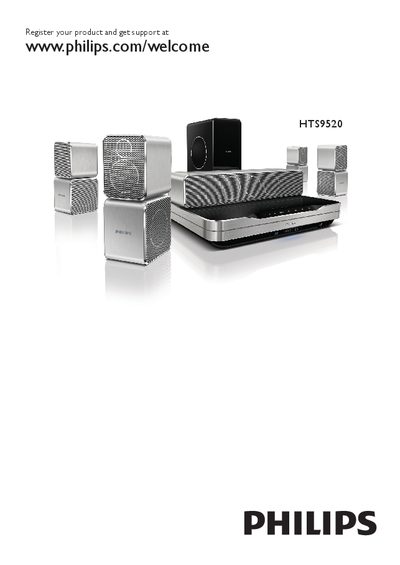
This manual covers everything you need to know to install and use the Philips HTS9520 home theater system, including safety precautions, product maintenance, and 3D health warnings. It also explains how to register the product for support and access software updates.
Detailed sections guide you through connecting the main unit to a TV, audio system, and network, using the remote control, and configuring Wi‑Fi, EasyLink, and other advanced settings. Troubleshooting tips and a comprehensive index help resolve common issues. This manual is written in Chinese.
| Wi‑Fi USB adapter model | Philips WUB1110 (sold separately) |
|---|---|
| iPod/iPhone dock model | Philips DCK3060 (sold separately) |
| Wireless rear‑audio module model | Philips RWSS9500 (sold separately) |
| Network connection type | Ethernet LAN RJ45 |
Register the product at www.philips.com/welcome HTS9520 to receive support and updates.
You can update the software via the network, from a USB drive, or by checking the software version in the menu.
Use the Philips Wi‑Fi USB adapter model WUB1110, which is sold separately.
Yes, by using the Philips iPod/iPhone dock (model DCK3060), sold separately.