
Key facts
Start here
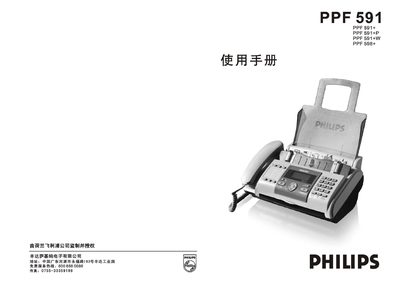
Philips PPF591 Fax Machine User Manual
This manual covers the complete setup of the Philips PPF591 fax machine, including unpacking, connecting power and telephone lines, installing the carbon ribbon, and configuring optional USB printing. Detailed installation steps, wiring diagrams, and safety precautions are provided to ensure correct assembly.
The guide also explains how to send and receive faxes, use the built‑in phone functions, adjust settings such as language, date/time, and scanning resolution, and perform routine maintenance and troubleshooting. Technical specifications such as power requirements, environmental limits, and paper capacities are listed for reference. This manual is written in Chinese.
Philips PPF 591 specifications
| Power Supply | 220 V / 50 Hz |
|---|---|
| Operating Temperature | 5 °C – 35 °C |
| Operating Humidity | 15 % – 85 % |
| Paper Tray Capacity | 40 sheets |
| Memory Size | 1024 KB |
| Scanning Method | CIS contact image scanner |
| Record Paper Size | A4 (210 mm × 297 mm) |
All Philips PPF 591 documents by type
Day-to-day operation, settings and troubleshooting. Start here if the product is already set up.
Questions answered in these manuals
How do I replace the carbon ribbon when it runs out?
When the ribbon is exhausted the machine alerts with “换碳带”. Remove the old ribbon, pull the new ribbon through the guide, attach the protective card, and tension the ribbon by turning the blue roller before closing the panel.
What should I check if the fax machine shows no power?
Verify that the power cord is plugged in and that the supplied voltage matches the required 220 V / 50 Hz rating.
Which paper size does the PPF 591 support?
It supports A4 paper, which measures 210 mm × 297 mm.