
Key facts
- Brand
- Philips
- Model
- AJ7030D
- Industry
- Electronics
- Documents
- 3
- Languages
- EN · ZH
- Last added
- 2012-03-27
Start here
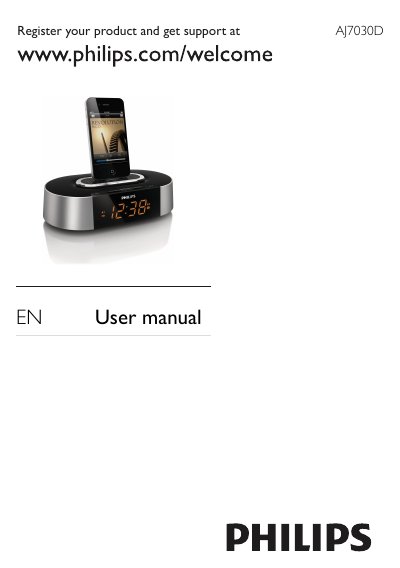
Philips AJ7030D Clock Radio User Manual
This manual begins with important safety instructions, registration information, and a list of items included in the package. It describes the main unit’s features such as FM radio tuning, alarm settings, iPod/iPhone docking, and volume control.
Subsequent sections cover how to install batteries, adjust display brightness, connect power, and use the various buttons. The troubleshooting chapter offers solutions for no response, poor reception, and alarm problems, while the environmental and legal notices explain disposal and recycling requirements.
Philips AJ7030D specifications
| Amplifier Rated Output Power | 2 X 3 W RMS |
|---|---|
| Tuning Range (FM) | 87.5 - 108 MHz |
| Sensitivity | Mono, 26 dB S/N Ratio |
| Selectivity (FM) | <28 dBf |
| Total Harmonic Distortion (FM) | <2% |
| Signal to Noise Ratio (FM) | >55 dB |
All Philips AJ7030D documents by type
Day-to-day operation, settings and troubleshooting. Start here if the product is already set up.
Questions answered in these manuals
How do I adjust the display brightness?
Press the BRIGHTNESS button repeatedly to select different brightness levels.
What should I do if the clock radio does not respond?
Disconnect and reconnect the AC power plug, then turn on the clock radio again.
How can I replace the battery?
Replace the battery with the same type (CR2032 lithium) and dispose of the old battery properly, as it contains chemical substances.
How do I store FM radio stations?
In tuner mode, press and hold SET for two seconds; the clock radio will store all available FM stations automatically.
What battery does the clock radio use for backup time and alarm?
The device uses a CR2032 lithium battery pre‑installed for backup of time and alarm functions.
Can I connect an external audio source to the clock radio?
Yes, connect external audio devices to the AUX IN jack.