
This document is the user manual of Philips CID3285
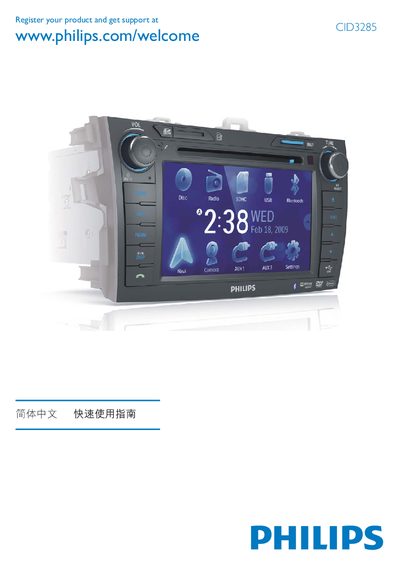
This document is a quick start guide for the Philips CID3285 car multimedia system. It covers essential setup procedures such as installing the unit in the vehicle, connecting power and audio cables, and configuring the display language and clock settings. The guide also explains how to use the built-in radio, navigation map, and media playback features for DVDs, CDs, and USB drives. This manual is written in Chinese.
| Operating Voltage | 12 V DC |
|---|---|
| Supported Discs | DVD video, DVD-R, DVD-RW, VCD, Audio CD, CD-R, CD-RW |
| Max Bluetooth Devices | 8 |
| Supported Memory Cards | SD/MMC |
Press the MENU button, select [Language], and then select the desired language from the list.
Go to the Bluetooth menu, select the phone from the list, and enter the pairing code '0000'.
The default pairing code is 0000.