
This document is a wiring diagram for Philips CID3282
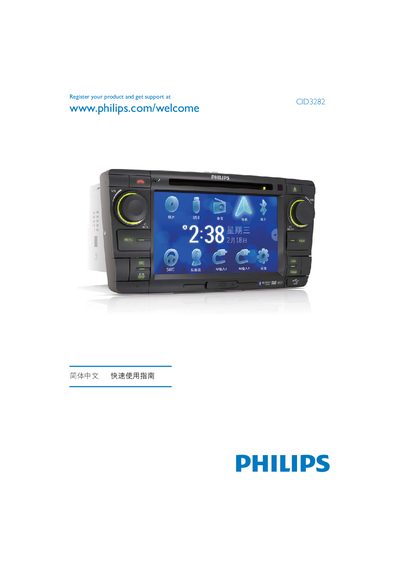
This guide covers safety precautions and installation steps for the Philips CID3282, including wiring, grounding, and proper mounting to avoid short circuits and fire hazards. It also explains how to connect the device to the vehicle’s power source (12 V) and use the supplied hardware.
The manual details operation features such as setting date and time, selecting display modes, playing media (DVD, VCD, audio CDs, USB), tuning FM/AM bands, using GPS navigation, and pairing up to eight devices. It includes instructions for configuring the OSD, adjusting brightness, and troubleshooting common issues. This manual is written in Chinese.
| Power Supply | 12 V |
|---|---|
| Supported Media (DVD) | DVD video, DVD‑R, DVD‑RW |
| Supported Media (Audio CD) | Audio CD, CD‑R, CD‑RW |
| Supported Media (USB) | USB playback |
| FM Bands | FM1, FM2, FM3 |
| AM Bands | AM1, AM2 |
| Maximum Paired Devices | 8 |
| Date Format Example | 2009/571 |
Use the Date setting (e.g., 2009/571) and select the Clock Mode, which can be set to 24‑hour display.
The device can be paired with up to eight other units.
It supports DVD video, DVD‑R, DVD‑RW, VCD, Audio CD, CD‑R, CD‑RW, and USB playback.