
Key facts
Start here
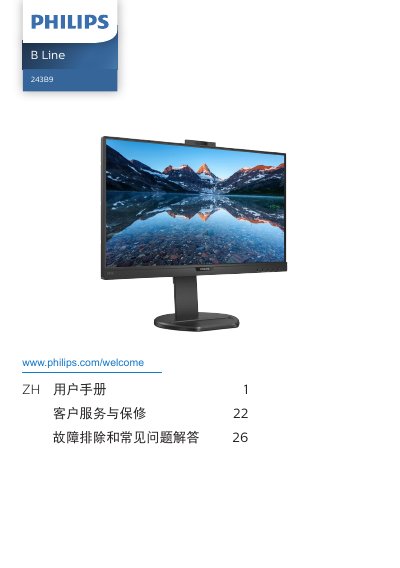
Philips 241B8/243B9 Monitor User Manual
This user manual provides instructions for setting up and operating the Philips 241B8 and 243B9 monitors. It includes safety precautions, installation steps for the stand and cables, and guidance on using the built-in Windows Hello pop-up network camera. This manual is written in Chinese.
Read onlinePhilips 241B8 specifications
| Panel Type | IPS |
|---|---|
| Backlight | W‑LED |
| Screen Size | 23.8" (60.5 cm) |
| Resolution | 1920 × 1080 @ 60 Hz |
| Contrast Ratio | 1000:1 (typical) |
| Refresh Rate | 48 Hz – 75 Hz |
| Connectivity | VGA×1, HDMI 1.4×1, DisplayPort 1.2×1, USB‑C (PD up to 65 W) |
| USB‑C Power Delivery | Up to 65 W (5‑20 V, 3‑3.25 A) |
| Typical Power Consumption | 22.2 W |
All Philips 241B8 documents by type
Day-to-day operation, settings and troubleshooting. Start here if the product is already set up.
Questions answered in these manuals
Where can I get online help for the Philips Brilliance 241B8 monitor?
Visit the Philips support website at www.philips.com/support.
How many USB ports does the monitor provide?
The monitor includes a USB hub with two ports.
What resolution should be used for the monitor?
The recommended resolution is 1920 × 1080 at 60 Hz.
What is the recommended refresh rate?
The LCD monitor is recommended to run at 60 Hz, but can be set up to 75 Hz to reduce interference.
How do I reduce interference with my USB 2.4GHz wireless devices?
Keep USB 2.0 receivers away from USB 3.0 ports, or use a standard USB extension cable or USB hub to add space between the wireless receiver and the USB 3.0 port.
How can I prevent burn-in or ghost images on the screen?
Always activate a moving screen saver when the monitor is unattended and use a periodic screen refresh application for static content. Burn-in damage is not covered under the warranty.