
241B8 S line 222S1 ZH User Manual is a user guide for the display, which introduces safety measures, installation, image optimization, technical specifications and other information.
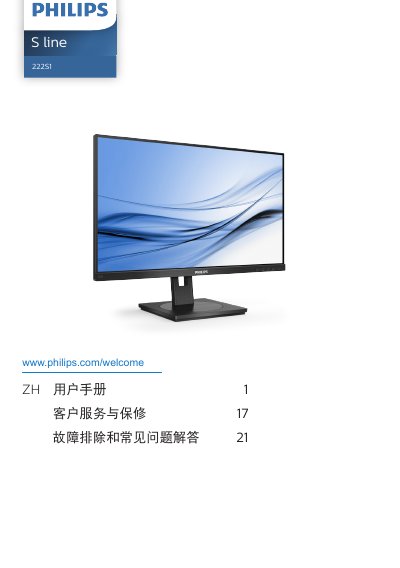
This user manual covers the installation and setup of the Philips 241B8 S line 222S1 monitor, including connecting cables and adjusting the stand. It details how to operate the On-Screen Display (OSD) menu to control settings such as brightness, contrast, and input sources. This manual is written in Chinese.
| Native Resolution | 1920 x 1080 |
|---|---|
| Temperature Range | 0-40ºC |
| Humidity Range | 20-80% RH |
| Rotation Range | -180° +180° |
| Height Adjustment | 130mm |
The monitor performs best at its native resolution of 1920 x 1080.
No, oil-based cleaning solutions may damage the plastic casing and void the warranty.
It may cause permanent image retention or burn-in that cannot be repaired.