
Key facts
- Brand
- EXTECH
- Model
- HT30
- Industry
- Industrial
- Documents
- 4
- Languages
- FR · EN
- Last added
- 2023-01-16
Start here
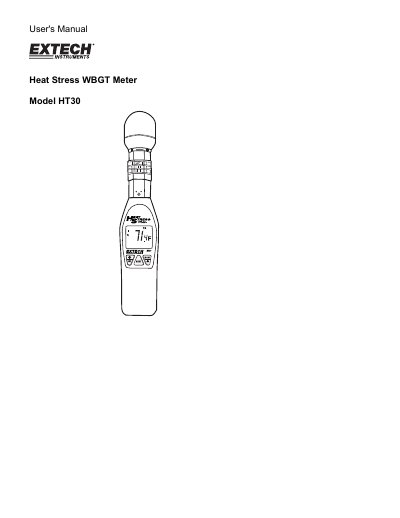
Extech HT30 Heat Stress WBGT Meter User's Manual
The document serves as a comprehensive guide for the Extech HT30 Heat Stress WBGT Meter. It details how to operate the device to measure Wet Bulb Globe Temperature (WBGT), Black Globe Temperature, Air Temperature, and Relative Humidity. The manual explains features such as selectable units, auto power-off, and RS-232 connectivity.
Read onlineEXTECH HT30 specifications
| WBGT Range | 0 to 50 °C (32 to 122 °F) |
|---|---|
| Black Globe Temperature Range | 0 to 80 °C (32 to 176 °F) |
| Air Temperature Range | 0 to 50 °C (32 to 122 °F) |
| Relative Humidity Range | 0 to 100 % |
| Power Supply | Two AAA batteries |
| Battery Life | Approx. 1000 hours |
| Dimensions (Device) | 254 x 48.7 x 29.4 mm |
| Weight | 136 g |
All EXTECH HT30 documents by type
Day-to-day operation, settings and troubleshooting. Start here if the product is already set up.
Questions answered in these manuals
How do I set the alarm threshold?
Press and hold the /SET button for more than 2 seconds during startup to access the alarm setting mode.
What does the low battery indicator mean?
It indicates that the batteries need to be replaced, appearing in the lower left corner of the LCD screen.
What is the alarm setting range for the heat stress index?
The alarm setting range is from 68.0 to 99.0°F (20.0 to 37.2°C).
How long does the auto power off feature last?
The meter automatically turns off after approximately 20 minutes.
How do I set the heat stress index alarm?
Hold down the /SET button for more than 2 seconds when turning the meter on, then use the MODE/S and NEXT buttons to adjust the digits.
What is the setting range for the heat stress index alarm?
The alarm can be set from 68.0 to 99.0°F (20.0 to 37.2°C).