
HT30 Heat Stress WBGT Meter is the model of Heat Stress WBGT Meter. It can measure and display wet bulb temperature, air temperature, relative humidity and black globe temperature
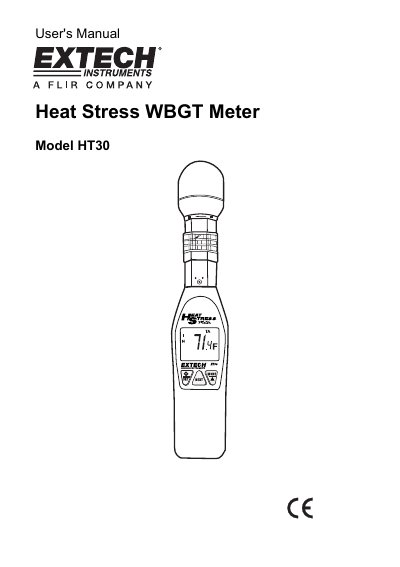
The Extech HT30 is a handheld instrument designed to measure and display the Heat Stress Index (WBGT) by combining readings of Black Globe Temperature, Air Temperature, and Relative Humidity. It features selectable units for Celsius or Fahrenheit, an audible alarm function settable between 20°C and 37.2°C, and an RS-232 interface for data transfer to a PC using optional software.
| Wet Bulb Globe Temperature Range | 0°C to 50°C (32°F to 122°F) |
|---|---|
| Black Globe Temperature Range | 0 to 80°C (32°F to 176°F) |
| Relative Humidity Accuracy | ±3% (at 25°C, 10 to 95%RH) |
| Power Supply | Two AAA batteries |
| Battery Life | Approx 1000 hours |
Hold down the /SET button for more than 2 seconds when turning the meter on, then use the MODE/S and NEXT buttons to adjust the digits.
The alarm can be set from 68.0 to 99.0°F (20.0 to 37.2°C).
Simultaneously press and release the MODE/S and NEXT buttons until the F or C icon appears in the display.