
This document describes the measurement and display method of the WBGT (Wet Bulb Globe Temperature) heat stress index. This device can measure and display the heat stress index, which indicates the degree of heat when considering humidity, temperature, air movement, and direct sunlight. The black globe temperature (TG) allows observation of the effects of direct solar radiation on an exposed surface and also measures air temperature (TA) and relative humidity (RH%). Other features include unit selection (°F/°C), automatic power off with cancel option, and an integrated RS-232 interface with optional Windows® software 407752.
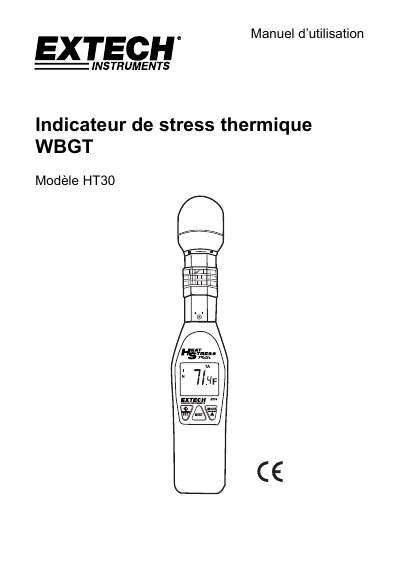
This document is the user manual for the Extech HT30 WBGT (Wet Bulb Globe Temperature) Heat Stress Indicator. The device measures and displays the WBGT index, which accounts for temperature, humidity, air movement, and direct solar radiation, as well as black globe temperature, air temperature, and relative humidity. It features selectable units (°F/°C), an auto power-off function, and an integrated RS-232 interface for optional PC software connectivity. This manual is written in French.
| WBGT Range | 0 to 50 °C (32 to 122 °F) |
|---|---|
| Black Globe Temperature Range | 0 to 80 °C (32 to 176 °F) |
| Air Temperature Range | 0 to 50 °C (32 to 122 °F) |
| Relative Humidity Range | 0 to 100 % |
| Power Supply | Two AAA batteries |
| Battery Life | Approx. 1000 hours |
| Dimensions (Device) | 254 x 48.7 x 29.4 mm |
| Weight | 136 g |
Press and hold the /SET button for more than 2 seconds during startup to access the alarm setting mode.
It indicates that the batteries need to be replaced, appearing in the lower left corner of the LCD screen.
Press and hold the /SET and MODE/ buttons simultaneously for 2 seconds while turning the device on.
Error E2 indicates that the measured value is below the valid range.