
Key facts
Start here
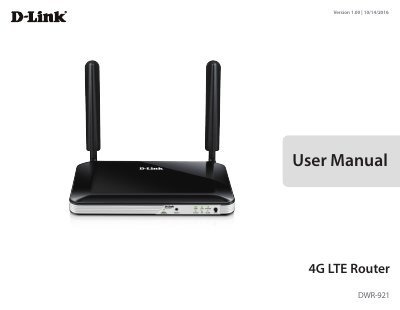
D-Link DWR-9214G LTE Router User Manual
The D-Link DWR-9214G LTE Router lets users access worldwide mobile broadband networks and share a 3G/4G Internet connection through a secure 802.11n wireless network or four 10/100 Ethernet ports. It includes WPA/WPA2 encryption, dual-active firewalls (SPI and NAT), and MAC address filtering.
This user manual covers product overview, package contents, hardware overview, installation, Internet and WAN configuration, Wi-Fi and LAN settings, applications, system administration, troubleshooting, wireless basics, and technical specifications.
D-Link DWR-9214G specifications
| LTE Downlink | Up to 150 Mbps |
|---|---|
| LTE Uplink | Up to 50 Mbps |
| Wi-Fi Data Rate | Up to 300 Mbps with 802.11n clients |
| Dimensions | 190 x 111.5 x 23.5 mm |
| Operating Temperature | 0 to 40 ˚C |
| LAN Ports | Four LAN ports (RJ-45) |
All D-Link DWR-9214G documents by type
Day-to-day operation, settings and troubleshooting. Start here if the product is already set up.
Questions answered in these manuals
What is the network standby power usage?
The device uses 2.793 watts in Network Standby mode.
How do you reset the router?
Press the Reset button with an unfolded paperclip and hold it for ten seconds.
What are the supported LTE frequency bands?
The router supports LTE bands at 800 / 900 / 1800 / 2600 MHz.
What wireless security modes are supported?
The device supports 64/128-bit WEP, WPA, and WPA2 security modes.