
Key facts
- Brand
- D-Link
- Model
- DES-1228
- Category
- Network Switches
- Industry
- Computers
- Documents
- 4
- Languages
- EN
- Last added
- 2012-03-13
Start here
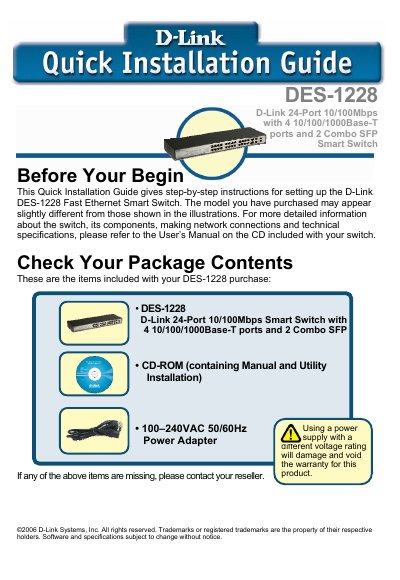
D-Link DES-1228 Fast Ethernet Smart Switch Quick Installation Guide
This Quick Installation Guide provides concise, step‑by‑step instructions for installing and configuring the D‑Link DES‑1228 Fast Ethernet Smart Switch. It lists the items supplied, recommended installation environment, rack‑mounting procedure, power requirements, and LED indicators for status monitoring.
The guide also explains how to install the SmartConsole utility, access the switch’s web GUI, and perform basic configuration tasks such as setting IP address, login credentials, and using the tool menu for backup, firmware updates, and system reboot.
D-Link DES-1228 specifications
| Switching Capacity (DES-1228) | 12.8 Gbps |
|---|---|
| Switching Capacity (DES-1252) | 17.6 Gbps |
| Maximum Forwarding Rate (DES-1228P) | 9.52 Mpps |
| Port Types | 24 or 48 10/100Base‑T ports, 4 1000Base‑T ports, 2 combo SFP ports |
| PoE Power per Port (DES-1228P) | 15.4 W |
| Power Budget (DES-1228P) | 170 W max |
| Operating Temperature | 0 °C to 40 °C |
| L2 Feature – MAC Address Table | Supports up to 8K MAC addresses |
| VLAN Capacity | Up to 256 static VLAN groups |
| QoS Queues per Port | Up to 4 queues per port |
Source: D-Link DES-1228/1228P/1252 Web Smart Switch User Manual
All D-Link DES-1228 documents by type
Day-to-day operation, settings and troubleshooting. Start here if the product is already set up.
The shortest path to a working setup, usually only a few pages.
Questions answered in these manuals
What is the default IP address to access the switch’s web interface?
Enter 192.168.0.1 in a web browser; this is the factory‑default IP address of the switch.
From: D-Link DES-1228/1228P/1252 Web Smart Switch User Manual
What is the default login password for the web management utility?
The default password is "Admin".
From: D-Link DES-1228/1228P/1252 Web Smart Switch User Manual
What is the purpose of this guide?
The guide shows how to install and use the configuration functions of the DES-1228 Web‑Smart Switch step‑by‑step.
How can I view port statistics?
Open the Monitoring > Statistics screen, select a port number, and use the Refresh button to update or Clear Counter to reset the details.