
Key facts
Start here
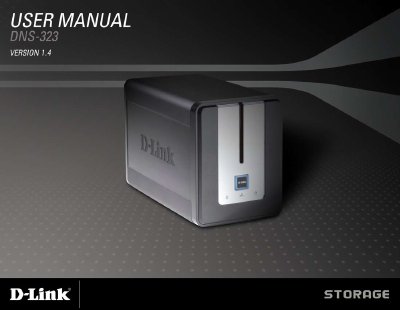
D-Link DNS-323 User Manual
The DNS-323 is a 2‑bay network storage enclosure that lets you share files, photos, music, and videos across a local network or the Internet. It supports multiple drive configurations—including Standard, JBOD, RAID 0 and RAID 1 mirroring—and offers built‑in services such as FTP, UPnP AV, iTunes server, and BitTorrent. The device also includes power‑management features, USB print server capability, and an Easy Search Utility for quick network discovery.
The manual walks you through unpacking, hardware installation, and connecting the unit to your network. It then explains how to configure the web interface, set up user accounts, quotas, and services, and manage hard‑drive replacement or addition. Additional sections cover advanced features like scheduled downloads, BitTorrent configuration, and firmware updates, helping both novice and experienced users get the most out of the DNS-323.
D-Link DNS-323 specifications
| Drive Bays | Two 3.5" SATA bays (any capacity) |
|---|---|
| RAID Support | Standard, JBOD, RAID 0, RAID 1 (mirroring) |
| Network Interface | Gigabit Ethernet (up to 184 Mbps read/write) |
| Power Adapter | 12 V / 3 A and 5 V / 3 A |
Source: D-Link DNS-323 User Manual
All D-Link DNS-323 documents by type
Day-to-day operation, settings and troubleshooting. Start here if the product is already set up.
Questions answered in these manuals
What type of hard drives does the DNS-323 support?
It supports 3.5" SATA hard drives of any capacity.
How can I locate the DNS-323 on my network for the first configuration?
Use the D-Link Easy Search Utility included on the CD to discover the device and access its web UI.
How many hard drives can the DNS-323 hold?
It can hold two 3.5" SATA hard drives of any capacity.
How do you reset the DNS-323 to factory defaults?
Press the pinhole reset button located beside the Ethernet socket.