
Key facts
Start here
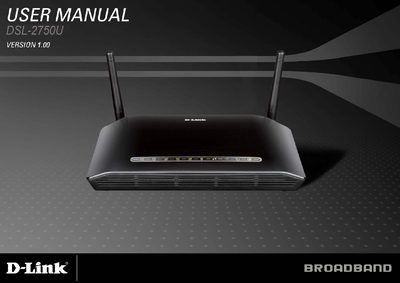
D-Link DSL-2750U User Manual
The DSL-2750U is a wireless ADSL router that includes a power adapter, CD‑ROM with the manual, a micro splitter, telephone and Ethernet cables, and a quick‑installation guide. It requires an ADSL Internet service, a PC with at least a 200 MHz processor, 64 MB RAM, a CD‑ROM drive, an Ethernet adapter, and Windows 2000/XP/Vista with IE 6+ or Firefox 1.5.
The manual covers hardware overview, connections, LED indicators, and detailed configuration steps via the web‑based utility. It also describes advanced features such as NAT, DHCP, PPP security, RIP routing, ATM support, and wireless settings, plus a full technical specification sheet with data‑transfer rates and supported protocols.
D-Link DSL-2750U specifications
| Power adapter output | 12 VDC, 1A |
|---|---|
| Wireless standards | IEEE 802.11b/g/n, 2.4 GHz |
| Maximum wireless data rate | up to 130 Mbps |
| LAN ports | 4 Ethernet LAN ports (LAN1‑4) |
| USB host port | USB host port for storage devices |
| WPS button | WPS button for wireless setup |
Source: D-Link DSL-2750U User Manual
All D-Link DSL-2750U documents by type
Day-to-day operation, settings and troubleshooting. Start here if the product is already set up.
Questions answered in these manuals
Why are all the indicators off?
Check the connection between the power adapter and the power socket, and make sure the power switch is turned on.
How can I restore the default configuration after an incorrect setup?
Keep the device powered on, press the RESET button for 1 second, then release; the device will reboot and restore factory defaults.
What does a steady green LED on the DSL port indicate?
It indicates a valid ADSL connection after negotiation has completed.
What does the steady green LED on the Power indicator mean?
A steady green light indicates the unit is powered on.
What is the maximum downstream speed for the DSL‑2750U using G.dmt?
The router can achieve up to 8 Mbps downstream with G.dmt.