
Key facts
Start here
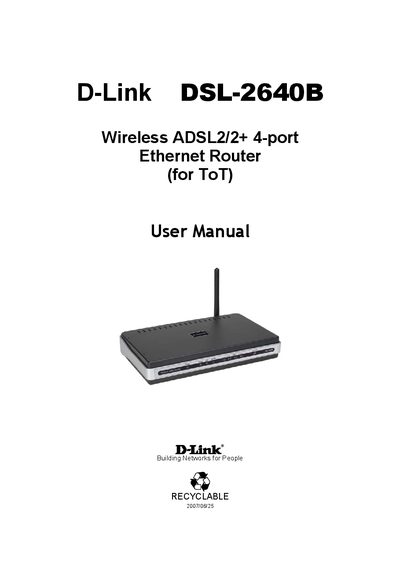
D-Link DSL-2640B Wireless ADSL2/2+ 4-port Ethernet Router User Manual
This manual provides step‑by‑step instructions for installing and configuring the D-Link DSL‑2640B wireless ADSL2/2+ router. It covers safety precautions, hardware connections, web‑based configuration, and advanced features such as wireless settings, QoS, and ADSL diagnostics.
Key sections include hardware overview, connecting the telephone, Ethernet and power cables, accessing the router’s web interface (http://192.168.1.1, admin/tot), and troubleshooting tools like the ADSL BER test.
D-Link DSL-2640B specifications
| Number of LAN ports | 4 |
|---|---|
| Supported ADSL standard | ADSL2+ |
| Maximum ADSL connection speed (BER test example) | 8000 Kbps |
| Power source | External power adapter (surge protected) |
Source: D-Link DSL-2640B Wireless ADSL2/2+ 4-port Ethernet Router User Manual
All D-Link DSL-2640B documents by type
Day-to-day operation, settings and troubleshooting. Start here if the product is already set up.
Questions answered in these manuals
How can I reset the router to factory defaults?
Press the Reset button for 3 seconds or more to revert to factory settings.
From: D-Link DSL-2640B Wireless ADSL2/2+ 4-port Ethernet Router User Manual
What ADSL speeds does the DSL‑2640B support?
It supports ADSL2/2+ standards with up to 24 Mbps downstream and 1 Mbps upstream.
How can I assign a static IP address to the router?
Use Windows network settings: open Control Panel > Network Connections, select the LAN connection, go to TCP/IP properties, and choose “Use the following IP address” with the appropriate values.