
Key facts
Start here
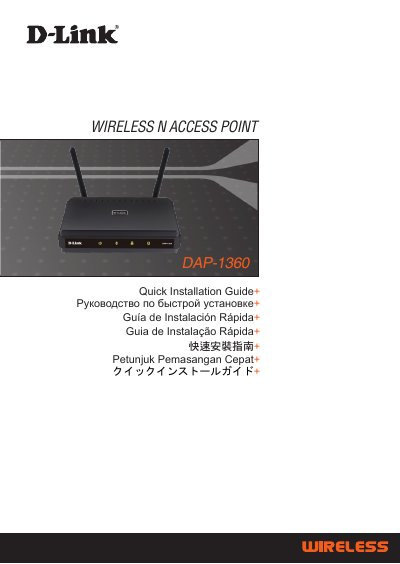
D-Link DAP-1360 Wireless N Access Point Quick Installation Guide
This document serves as a Quick Installation Guide for the D-Link DAP-1360 Wireless N Access Point. It outlines the necessary system requirements, including compatible operating systems and web browsers, and lists the items included in the package such as the device, antennas, power adapter, and Ethernet cable.
The guide provides step-by-step instructions for physical setup, including connecting the power adapter and antennas, and establishing an Ethernet connection. It also details the initial configuration process via a web browser, covering login credentials, operation mode selection, and setting up wireless security using WEP or WPA encryption.
D-Link DAP-1360 specifications
| Power Input | 5VDC 2.5A |
|---|---|
| Default IP Address | 192.168.0.50 |
| Default Username | admin |
| Default Password | blank |
| Wireless Standard | 802.11n |
Source: D-Link DAP-1360 Wireless N Access Point Quick Installation Guide
All D-Link DAP-1360 documents by type
Day-to-day operation, settings and troubleshooting. Start here if the product is already set up.
How to use the product for one specific task, with worked examples.
The shortest path to a working setup, usually only a few pages.
Questions answered in these manuals
What web browsers are required to configure the DAP-1360?
You need a computer with an Internet browser such as Microsoft Internet Explorer 6.0 or above, Netscape Navigator 7.0 or above, or FireFox 1.5 or above.
From: D-Link DAP-1360 Wireless N Access Point Quick Installation Guide
What is the default IP address for the DAP-1360?
The default IP address is http://192.168.0.50.
From: D-Link DAP-1360 Wireless N Access Point Quick Installation Guide
How can I reset the DAP-1360 to factory defaults?
Press the RESET button to restore the access point’s configuration to its original factory default settings.
What wireless signal rate does the DAP-1360 support?
The DAP-1360 supports a maximum wireless signal rate of 300 Mbps.
Which security protocols are available on the DAP-1360?
The device supports WPA‑PSK, WPA2‑PSK, WPA‑Enterprise and WPA2‑Enterprise security protocols.