
Key facts
- Brand
- D-Link
- Model
- 08H
- Category
- Other Computer Accessories
- Industry
- Computers
- Documents
- 3
- Languages
- ZH · EN
- Last added
- 2012-03-15
Start here
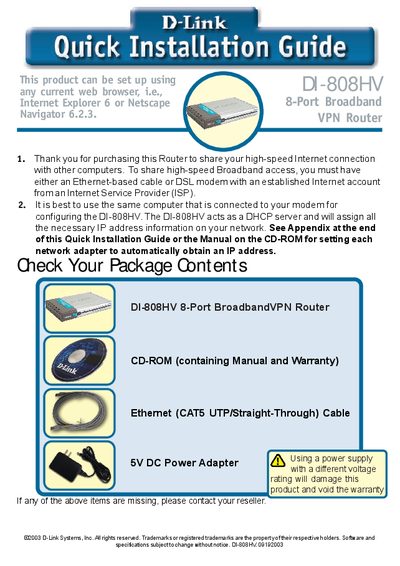
D-Link DI-808HV Router Quick Installation Guide
This Quick Installation Guide walks you through the basic steps to set up the D-Link DI-808HV 8‑Port Broadband VPN Router. It covers connecting the power adapter, linking the WAN port to your modem, and attaching computers to the LAN ports. The router’s LEDs indicate power, WAN, and LAN status, and the LAN ports support Auto MDI/MDIX for straight‑through or crossover Ethernet cables.
After hardware connections, the guide explains how to access the web‑based configuration interface at http://192.168.0.1, log in with the default admin credentials, and run the Setup Wizard. The wizard assists you in setting a password, choosing a time zone, and configuring the Internet connection type (Dynamic IP, Static IP, PPPoE, or Dial‑up). Technical support contact information for the United States and Canada is provided at the end.
D-Link 08H specifications
| Resolution | 1280 × 1024 @ 75 Hz |
|---|---|
| Brightness | 200–250 cd/m² |
| Contrast ratio | 600:1 |
| Power input | DC 12 V 5 A |
| Power consumption | 28 W |
| Keyboard lifespan | >1 000 000 keystrokes |
| Mouse touchpad buttons | 2 buttons |
| Mouse touchpad lifespan | >1 000 000 clicks |
| Operating temperature | 0 °C – 60 °C |
| Storage temperature | -20 °C – 65 °C |
| Operating humidity | 5 % – 90 % |
Source: D-Link DKVM-L901H/08H/16H 19 Inch LCD KVM User Manual
All D-Link 08H documents by type
Day-to-day operation, settings and troubleshooting. Start here if the product is already set up.
The shortest path to a working setup, usually only a few pages.
Questions answered in these manuals
How do I connect the KVM signal cable?
Connect the 15‑pin male end to the server’s VGA, keyboard and mouse ports, and the 15‑pin female end to the KVM’s VGA port. Secure both ends with the supplied screws.
What items are included in the DI-808HV package?
The package contains the DI-808HV broadband VPN router, a 5 V DC power adapter, an Ethernet (CAT5‑UTP) cable, a manual on CD, and a quick installation guide.
How many VPN tunnels can the DI-808HV handle?
It can support up to 40 VPN tunnels.
What type of Ethernet cable can I use on the LAN ports?
The LAN ports support Auto MDI/MDIX, so you can use either straight‑through or crossover Ethernet cables.