
Key facts
Start here
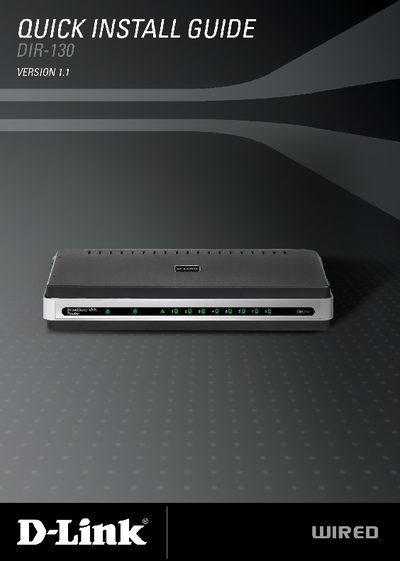
D-Link DIR-130 Quick Install Guide
The guide provides a brief hardware overview of the DIR-130 router, describing the LEDs, LAN ports, Internet port, and power adapter. It also explains how to reset the device to factory defaults.
Step‑by‑step installation instructions walk the user through connecting the router to a modem, configuring the network via the web‑based Setup Wizard, and selecting the appropriate Internet connection type. Browser and system requirements are listed, and technical support contact details are provided at the end.
D-Link DIR-130 specifications
| Product Type | 8‑Port VPN Router |
|---|---|
| LAN Ports | 8 ports, 10/100 Ethernet |
| Internet Port | Auto MDI/MDIX |
| Power LED | Solid light indicates power connection |
| Supported Browsers | IE 6+, Mozilla 1.7.12+, Firefox 1.5+, Safari 1.0+, Opera 6.0+ |
All D-Link DIR-130 documents by type
Day-to-day operation, settings and troubleshooting. Start here if the product is already set up.
The shortest path to a working setup, usually only a few pages.
Questions answered in these manuals
What items are included in the DIR-130 package?
The package contains the DIR-130 router, a power adapter, an Ethernet cable, and a manual on CD.
How do I reset the DIR-130 to factory defaults?
Press the Reset button on the router; this restores the original factory settings.
How can the router be reset to factory defaults?
Press the Reset button to restore the router to its original factory default settings.