
Key facts
- Brand
- D-Link
- Model
- DES-1008P
- Category
- Network Switches
- Industry
- Computers
- Documents
- 3
- Languages
- EN
- Last added
- 2012-03-13
Start here
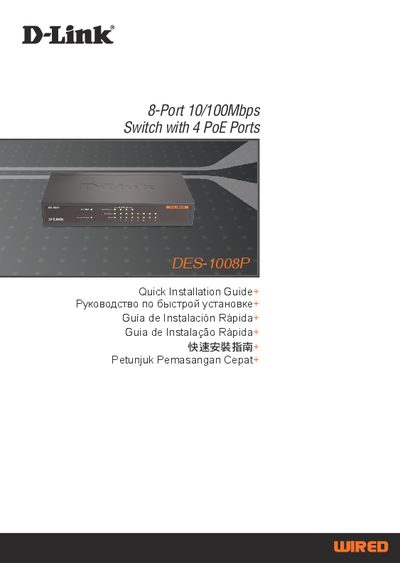
D-Link DES-1008P Switch Quick Installation Guide
This Quick Installation Guide explains how to install and configure the D-Link DES-1008P 8‑port Fast Ethernet switch that includes four Power over Ethernet (PoE) ports. It covers package contents, placement requirements, power connection, and basic operation of the Ethernet and PoE ports.
The guide also describes the LED indicators for power, link/activity, speed, PoE status and maximum power, provides technical specifications such as power voltage and PoE voltage range, and lists worldwide technical‑support contact information.
D-Link DES-1008P specifications
| Number of ports | 8 ports (4 PoE, 4 non‑PoE) |
|---|---|
| PoE power per port | 15.4 W |
| Total PoE budget | 56 W |
| Power supply | 48 V DC / 1.45 A (external adapter) |
| Dimensions | 171 mm (W) × 98 mm (D) × 29 mm (H) |
| Weight | 454 g (1 lb) |
| MAC address table size | 1 K entries |
| Switch fabric speed | 1.6 Gbps |
All D-Link DES-1008P documents by type
Day-to-day operation, settings and troubleshooting. Start here if the product is already set up.
The shortest path to a working setup, usually only a few pages.
Questions answered in these manuals
How many PoE ports does the DES‑1008P have?
It has four PoE‑enabled ports.
What is the total PoE power budget of the switch?
The switch provides a total PoE budget of 56 W.
What is the maximum PoE power per port?
Each PoE port can supply up to 15.4 W of power.
From: D-Link DES-1008P 8-Port 10/100Mbps PoE Switch User Guide
What LED indicators are available on the switch?
The switch includes a system LED, POE status LEDs for ports 1‑4, and Ethernet port status LEDs for ports 1‑8.
From: D-Link DES-1008P 8-Port 10/100Mbps PoE Switch User Guide
What power supply voltage and current does the DES-1008P require?
It requires a 48 V DC power adapter capable of delivering up to 1.45 A.
How much clearance is needed around the switch for proper ventilation?
Leave at least 10 cm of space on the left and right sides of the switch.