
Key facts
Start here
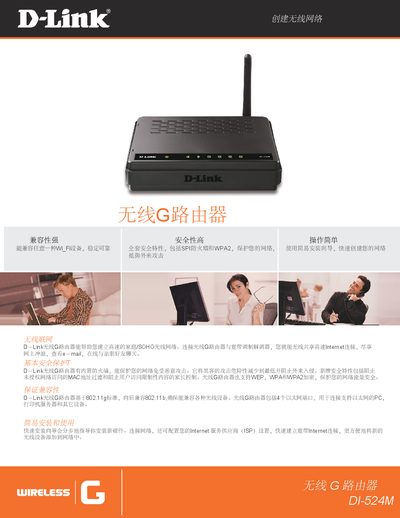
D-Link DI-524M Wireless G Router User Manual
The manual introduces the D-Link DI-524M Wireless G Router, describing its ability to create a high‑speed home or SOHO wireless network, support for 802.11b/g, four Ethernet ports, and a built‑in firewall with MAC filtering and parental controls.
It provides step‑by‑step installation using the quick installation wizard, explains configuration of ISP settings, and details security features such as WEP, WPA, WPA2 encryption, NAT, and UPnP. This manual is written in Chinese.
D-Link DI-524M specifications
| Wireless frequency range | 2.4 GHz – 2.483 GHz |
|---|---|
| Antenna type | Detachable antenna (Reverse SMA plug) |
| Power supply | 5 V DC, 1 A |
| Dimensions | 171.3 mm × 14.75 mm × 3.15 mm |
| Operating temperature | 10 °C to 40 °C |
| Storage temperature | -20 °C to 65 °C |
All D-Link DI-524M documents by type
Day-to-day operation, settings and troubleshooting. Start here if the product is already set up.
Questions answered in these manuals
How many Ethernet ports does the DI-524M router have?
It includes four Ethernet ports.
Which wireless security encryptions are supported?
The router supports WEP, WPA, and WPA2 encryption.
What is the purpose of the DI-524M router?
It allows multiple computers in a home to share a high‑speed Internet connection.
What are the power requirements for the device?
It requires a 12 V 1.5 A external power adapter.