
Key facts
Start here
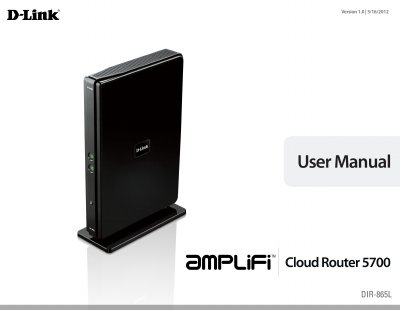
D-Link DIR-865L Cloud Router User Manual
This manual provides step-by-step instructions for installing, configuring, and managing the D-Link DIR-865L Cloud Router. It covers wireless setup, security settings, network configuration, and advanced features like QoS, firewall, and guest zone. The router supports 802.11ac and 802.11n wireless standards and includes apps for mobile management.
The document also includes technical specifications, system requirements, and troubleshooting tips for optimal performance and compatibility with various devices and operating systems.
D-Link DIR-865L specifications
| Maximum wireless signal rate | up to 1,350Mbps |
|---|---|
| Frequency Range | varies depending on country’s regulation |
| Ethernet Ports | 4 Gigabit Ethernet Ports, 1 Gigabit WAN Port |
| Operating Temperature | 30º to 104º F (0º to 40º C) |
| Dimensions | 1.26” x 6.57” x 9.45” (32mm x 167mm x 240mm) |
| Weight | 1.22 lb (550g) |
| Warranty | 1-Year Limited Warranty |
All D-Link DIR-865L documents by type
Day-to-day operation, settings and troubleshooting. Start here if the product is already set up.
Questions answered in these manuals
How do I download the DIR-865L firmware?
Use a browser to access http://www.dlink.com.sg/starhub, select upgrade now, select DIR-865L, and click download.
Where do I log in to upload the firmware?
Access http://dlinkrouter and log in; by default there is no password.
What wireless standards does the DIR-865L support?
It supports IEEE 802.11ac (draft), 802.11a, 802.11g, and 802.11n standards, with a maximum wireless signal rate of up to 1,350Mbps.
How do I connect the DIR-865L to my existing router?
You can connect it by following the 'Connect to an Existing Router' section in the manual, which includes step-by-step instructions for setup.