
Key facts
Start here
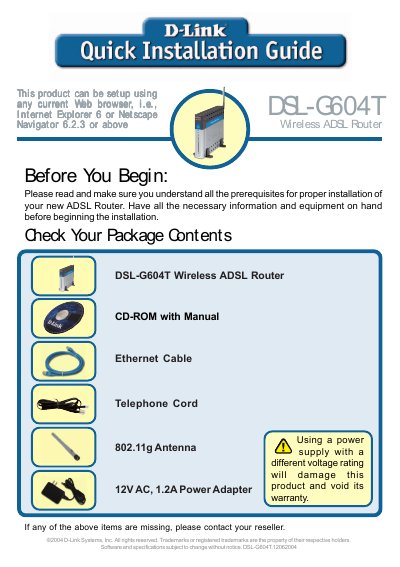
D-Link DSL-G604T Quick Installation Guide
This guide provides a brief hardware overview of the D-Link DSL‑G604T wireless ADSL router, describing the front and rear panel LEDs, ports, antenna, and reset button. It also lists the items included in the package and the required power adapter.
The document walks you through connecting the telephone line, Ethernet cable, and power adapter, then shows how to access the router’s web interface at http://192.168.1.1, log in with the default admin credentials, and run the Setup Wizard to configure password, time zone, and Internet connection type (Dynamic IP, Static IP, PPPoE/PPPoA, or Bridge Mode). An appendix provides a checklist of ISP settings.
D-Link DSL-G604T specifications
| Power Adapter Voltage | 12 V |
|---|---|
| Wireless Standard | 802.11g |
| DHCP Server | Enabled |
All D-Link DSL-G604T documents by type
Day-to-day operation, settings and troubleshooting. Start here if the product is already set up.
The shortest path to a working setup, usually only a few pages.
Questions answered in these manuals
How can I reset the DSL‑G604T to factory defaults?
Press and hold the Reset button on the rear panel for seven seconds.
What should I do if an item listed in the package contents is missing?
Contact your reseller if any of the listed items are missing.
How do I start the installation using the Click’n Connect utility?
Select the "Start Installation" option in the utility to commence the DSL‑G604T installation.
What should I do if the router causes harmful radio interference?
Follow the safety warnings and take appropriate measures to reduce interference as described in the FCC and CE warnings.
How long is the hardware warranty for the DSL‑G604T?
The hardware warranty (excluding power supplies and fans) is five years.
What is the default IP address to access the router’s web interface?
The default LAN IP address is 10.1.1.1, which can be entered in a web browser to reach the router’s GUI.