
Key facts
Start here
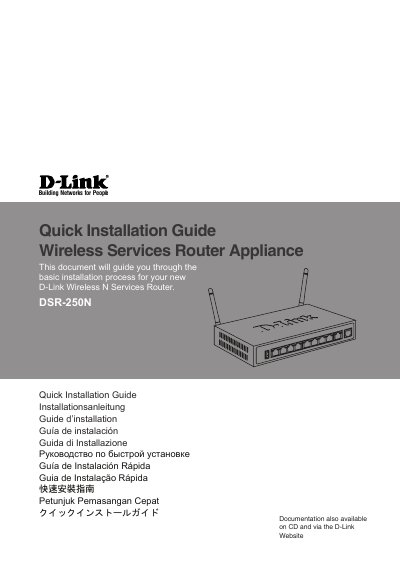
D-Link DSR-250N Wireless N Services Router Quick Installation Guide
This document provides step-by-step instructions for the basic installation of the D-Link DSR-250N Wireless N Services Router. It details the contents of the shipping carton, including the router appliance, power adapter, console cable, and Ethernet cable. The guide explains how to unpack the product and verify that all items are present and undamaged.
Read onlineD-Link DSR-250 specifications
| Power Input | 12V/1.5A |
|---|---|
| Default IP Address | 192.168.10.1 |
| Default Username | admin |
| Default Password | admin |
| Console Baud Rate | 115200 |
| Console Data Bits | 8 |
| Console Parity | None |
| Console Stop Bits | 1 |
Source: D-Link DSR-250N Wireless N Services Router Quick Installation Guide
All D-Link DSR-250 documents by type
The shortest path to a working setup, usually only a few pages.
Questions answered in these manuals
What is the default IP address for the DSR-250N?
The factory default IP address is http://192.168.10.1.
From: D-Link DSR-250N Wireless N Services Router Quick Installation Guide
What are the default login credentials?
The default username is admin and the default password is admin.
From: D-Link DSR-250N Wireless N Services Router Quick Installation Guide
What is the default IP address for WebUI access?
The factory default IP address is http://192.168.10.1.
From: D-Link DSR-250 Unified Services Router Quick Installation Guide
What are the default WebUI login credentials?
The default username is admin and the default password is admin.
From: D-Link DSR-250 Unified Services Router Quick Installation Guide