
Key facts
- Brand
- D-Link
- Model
- DHP-300
- Industry
- Electronics
- Documents
- 2
- Languages
- EN
- Last added
- 2012-03-13
Start here
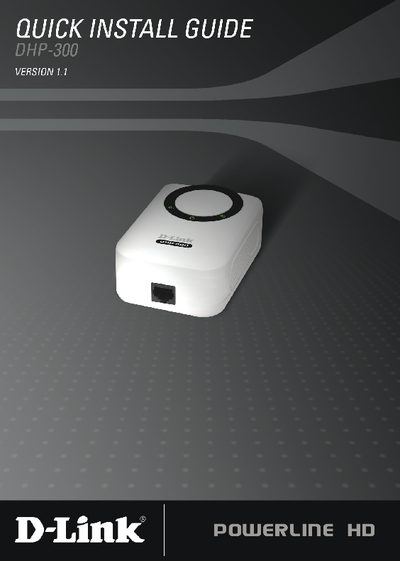
D-Link DHP-300 Quick Install Guide
The D-Link DHP-300 Quick Install Guide provides step‑by‑step instructions for installing the Powerline HD Ethernet Adapter. It starts with system requirements, lists the package contents, and describes hardware installation such as plugging the unit into an AC outlet and connecting the included CAT‑5 Ethernet cable.
The guide also covers software installation using the provided CD, including the DHP‑300 Setup Wizard and the required WinPcap 4.0 driver. Configuration details explain how to set the network name (Net ID) and device alias, and the document ends with technical support contact information for U.S. and Canadian customers.
D-Link DHP-300 specifications
| Maximum Data Transfer Rate | 200 Mbps |
|---|---|
| Ethernet Port Speed | 10/100 Mbps |
| Supported Operating Systems | Windows Vista, XP (SP2), 2000 (SP4) |
| Minimum PC Requirements | 233 MHz processor, 64 MB RAM |
| Powerline LED Indicator | Solid light when another device is detected |
Source: D-Link DHP-300 User Manual
All D-Link DHP-300 documents by type
Day-to-day operation, settings and troubleshooting. Start here if the product is already set up.
The shortest path to a working setup, usually only a few pages.
Questions answered in these manuals
What is the maximum data transfer speed of the DHP-300?
The adapter supports data transfer rates up to 200 Mbps.
How can I change the Powerline network name (Net ID) on the DHP-300?
Use the configuration screen to edit the Net ID field; the default is DHP-300 and it can be up to 10 alphanumeric characters.