
Key facts
- Brand
- D-Link
- Model
- DWA-130
- Industry
- Electronics
- Documents
- 2
- Languages
- ZH
- Last added
- 2012-05-08
Start here
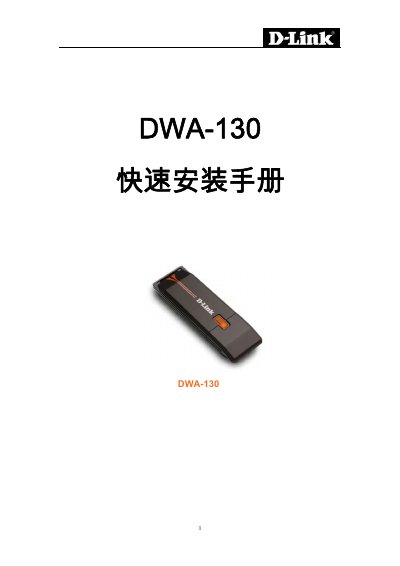
D-Link DWA-130 USB Wireless Adapter Quick Installation Guide
The D-Link DWA-130 Quick Installation Guide provides step‑by‑step instructions for setting up the USB wireless adapter on Windows computers.
It covers driver installation from the supplied CD, switching between station and access‑point modes, configuring network profiles, and basic troubleshooting tips. This manual is written in Chinese.
D-Link DWA-130 specifications
| Interface | USB 2.0 |
|---|---|
| Supported Operating Systems | Windows 7, Vista, 2000 (SP4), XP (SP2) |
| Processor Requirement | 300 MHz |
| Minimum Memory | 64 MB RAM |
| Wireless Standards | 802.11n draft or 802.11g |
| LED Indicator | LED stays on when installed correctly |
Source: D-Link DWA-130 USB Wireless Adapter Quick Installation Guide
All D-Link DWA-130 documents by type
The shortest path to a working setup, usually only a few pages.
Questions answered in these manuals
How can I switch between station mode and access point mode?
Click the mode switch (M) to toggle the adapter between station mode and access‑point (personal hotspot) mode.
From: D-Link DWA-130 USB Wireless Adapter Quick Installation Guide
Which operating systems are supported by the DWA-130?
The adapter works with Windows XP (SP2), Windows 2000 (SP4), Windows Vista, and Windows 7.
From: D-Link DWA-130 USB Wireless Adapter Quick Installation Guide
What should I do if the installation CD is lost?
You can download the driver and manual from D‑Link’s support website.
From: D-Link DWA-130 Wireless N USB Adapter Quick Installation Guide
How can I recover a forgotten wireless key?
Reset the wireless access point or router to obtain a new key, or contact the router’s manufacturer.
From: D-Link DWA-130 Wireless N USB Adapter Quick Installation Guide