
Key facts
Start here
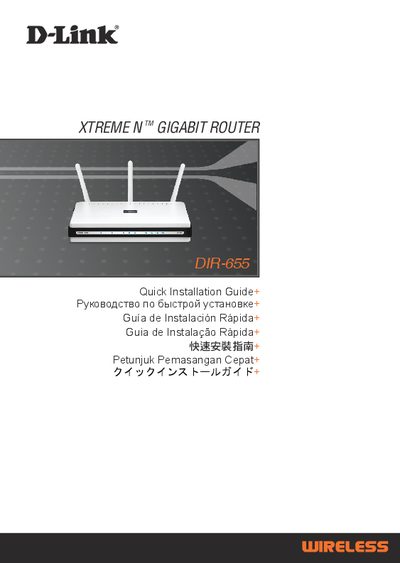
D-Link DIR-655 Quick Installation Guide
This guide provides an overview of the DIR-655 package contents and step‑by‑step instructions for the Quick Router Setup Wizard. It explains how to connect the power adapter, Ethernet cable and CD‑ROM, and shows the default IP address (192.168.0.1) and login credentials (admin / blank password) needed to access the web‑based configuration interface.
The document also includes a troubleshooting section that addresses common issues such as resetting the router, recovering a forgotten wireless SSID or encryption key, and checking LED status. Technical support contact information for multiple regions is listed at the end of the guide.
D-Link DIR-655 specifications
| Default IP address | 192.168.0.1 |
|---|---|
| Default username | admin |
| Default password | (blank) |
All D-Link DIR-655 documents by type
How to use the product for one specific task, with worked examples.
Day-to-day operation, settings and troubleshooting. Start here if the product is already set up.
The shortest path to a working setup, usually only a few pages.
Questions answered in these manuals
How do I configure the DIR-655 router without the CD?
Connect a PC to the router with an Ethernet cable, open a web browser and go to http://192.168.0.1, then log in with username “admin” and leave the password field blank.
How do I reset the DIR-655 router to factory default settings?
Power on the router, then press and hold the reset button on the rear for 20 seconds.
How many antennas does the DIR-655 have?
The router includes three detachable antennas.
What wireless standards are supported by the DIR-655?
It supports 802.11b, 802.11g and draft 802.11n (up to 300 Mbps).