
Key facts
Start here
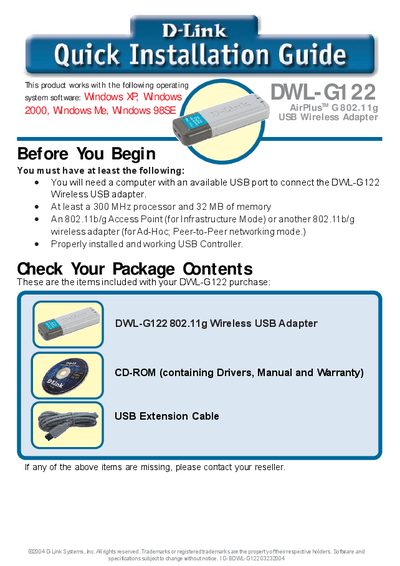
D-Link DWL-G122 Wireless USB Adapter Quick Installation Guide
The DWL-G122 is a D-Link 802.11g Wireless USB Adapter that connects a desktop or laptop to a wireless network via a USB port. This guide walks you through the required hardware, software installation, and initial configuration steps.
Start by verifying the package contents and system requirements, then insert the supplied CD, run the driver installer, and follow the on‑screen prompts. After the driver installs, the AirPlus G configuration utility launches automatically; use it to select and connect to an available wireless network.
D-Link DWL-G122 specifications
| Wireless Speed | Up to 54 Mbps |
|---|---|
| Frequency | 2.4 GHz |
| Standard | USB 2.0 |
| Wi‑Fi Compatibility | 802.11b/802.11g |
| Power | USB‑powered, no external source required |
| Indoor Range | Up to 328 feet |
All D-Link DWL-G122 documents by type
Day-to-day operation, settings and troubleshooting. Start here if the product is already set up.
The shortest path to a working setup, usually only a few pages.
Questions answered in these manuals
How do I install the DWL‑G122 adapter?
The DWL‑G122 is a Plug‑and‑Play USB 2.0 device; simply insert it into an available USB port and follow the quick installation guide.
What is the maximum indoor range of the adapter?
The adapter can connect at distances up to about 328 feet indoors, depending on obstacles and interference.
How do I start the configuration utility after installing the adapter?
After the driver installation finishes, the D-Link AirPlus G configuration utility starts automatically and its icon appears in the system tray; double‑click the icon to open the utility.
From: D-Link DWL-G122 Wireless USB Adapter Quick Installation Guide