
Key facts
Start here
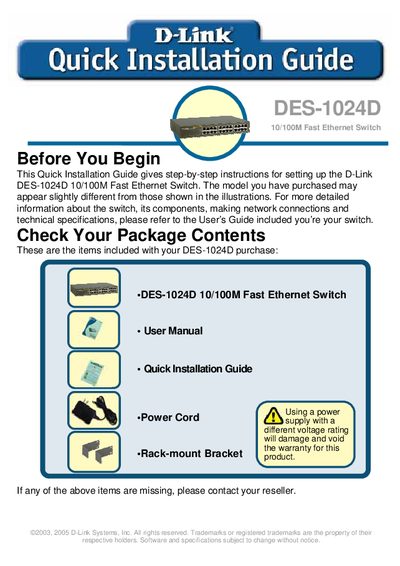
D-Link DES-1024D 10/100M Quick Installation Guide
This guide provides step‑by‑step instructions for setting up the D-Link DES-1024D 10/100M Fast Ethernet Switch, including package contents, desktop or rack mounting, power requirements, and LED indicator meanings.
It also lists technical support contacts for Canada, the United Kingdom and Ireland, and references the full User’s Guide for detailed specifications.
D-Link DES-1024D specifications
| Number of Ports | 24 x 10/100Mbps Auto‑MDI/MDIX ports |
|---|---|
| Data Transfer Rate | Ethernet 10Mbps (half‑duplex), 20Mbps (full‑duplex); Fast Ethernet 100Mbps (half‑duplex), 200Mbps (full‑duplex) |
| Power Consumption | 8.25 W (max) |
| Operating Temperature | 0 °C to 40 °C (32 °F to 104 °F) |
| Dimensions | Width 11.02 in., Depth 7.09 in., Height 1.73 in. |
| MAC Address Table Size | 8 K entries |
Source: D-Link DES-1024D 24-Port Ethernet Switch User Manual
All D-Link DES-1024D documents by type
Day-to-day operation, settings and troubleshooting. Start here if the product is already set up.
The shortest path to a working setup, usually only a few pages.
Questions answered in these manuals
How many ports does the DES-1024D have?
The DES-1024D provides 24 Ethernet ports.
What is the maximum power consumption of the switch?
The switch consumes up to 8.25 watts.
What items are included in the DES-1024D package?
The package contains the DES-1024D switch, a user manual, a quick installation guide, a power cord, and a rack‑mount bracket.
What power voltage can the switch be used with?
The switch can be used with AC power sources from 100 V to 240 V, 50‑60 Hz.