
Key facts
Start here
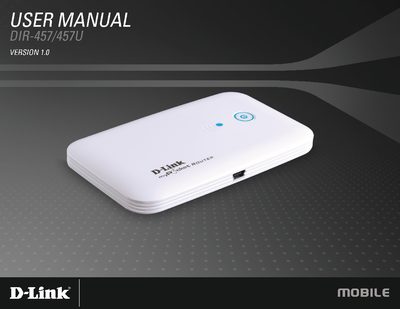
D-Link DIR-457/DIR-457U User Manual
This manual covers the DIR-457/DIR-457U router’s hardware overview, package contents, system requirements, and detailed installation steps. It explains how to configure the device for Wi‑Fi, 3G modem mode, and advanced network features such as firewall, port forwarding, and VPN passthrough.
Additional sections describe SIM and battery installation, power management, connection setup for Windows and mobile devices, profile and SMS management, firmware updates, and regulatory compliance information (FCC, CE). Technical specifications and troubleshooting tips are also included.
D-Link DIR-457U specifications
| Maximum Wireless Speed | up to 54 Mbps |
|---|---|
| 3G Download Throughput | up to 7.2 Mbps |
| 3G Upload Throughput | up to 5.76 Mbps |
| CPU Requirement | PowerPC G8 processor or higher |
All D-Link DIR-457U documents by type
Day-to-day operation, settings and troubleshooting. Start here if the product is already set up.
Mounting, wiring and first power-up. Read it before the hardware goes in.
Questions answered in these manuals
What is the maximum wireless speed of the DIR-457/DIR-457U?
The router provides up to 54 Mbps wireless connection with 802.11g clients.
Can the DIR-457 connect to 3G networks?
Yes, it has a built‑in HSDPA/HSUPA modem for 3G Internet services.
What are the minimum system requirements for using the DIR-457?
A computer with a PowerPC G8 processor or higher, 256 MB RAM, 100 MB free disk space and a USB 2.0 port.
How do I access the router’s configuration page?
Open a web browser and navigate to http://192.168.0.1.
How can I reset the DIR-457U to factory defaults?
Press and hold the reset button for about 2 seconds until the LED indicator changes.