
Key facts
Start here
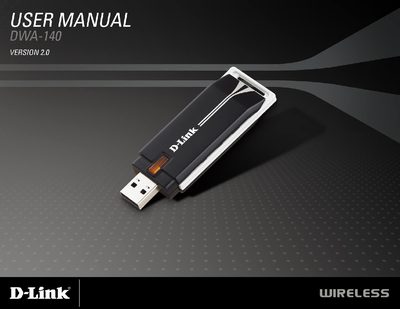
D-Link DWA-140 User Manual
The DWA-140 Wireless N™ USB Adapter offers a compact, plug‑and‑play solution for adding high‑speed Wi‑Fi connectivity to desktop or notebook PCs. It supports 802.11b/g/n standards, WPA/WPA2 security, and includes the D-Link Wireless Connection Manager for easy network configuration.
The manual guides users through hardware overview, installation, disabling built‑in adapters, and troubleshooting, and concludes with a detailed technical specifications section covering system requirements, frequency range, data rates, power consumption, and certifications.
D-Link DWA-140 specifications
| Operating Voltage | 5 VDC +/- 10% |
|---|---|
| Dimensions | 87 x 28 x 12 mm |
| Frequency Range (North America) | 2412 to 2462 MHz |
| Data Rates (802.11g) | 6/9/12/18/24/36/48/54 Mbps |
| Security | 64/128-bit WEP, WPA, WPA2 |
Source: D-Link DWA-140 User Manual
All D-Link DWA-140 documents by type
Day-to-day operation, settings and troubleshooting. Start here if the product is already set up.
Questions answered in these manuals
Which Windows operating systems are supported?
The adapter requires Windows Vista, Windows XP with Service Pack 2, or Windows 2000 with Service Pack 4.
How many antennas are integrated in the DWA-140?
The device has two integrated antennas.
Which operating systems are supported by the DWA-140?
The adapter works with Windows Vista, Windows XP Service Pack 2, and Windows 2000 Service Pack 4.
How do I uninstall a previous D-Link adapter before installing a new one?
Open the Control Panel and select Add/Remove Programs (or Programs and Features) to uninstall the old D-Link software.