
Key facts
Start here
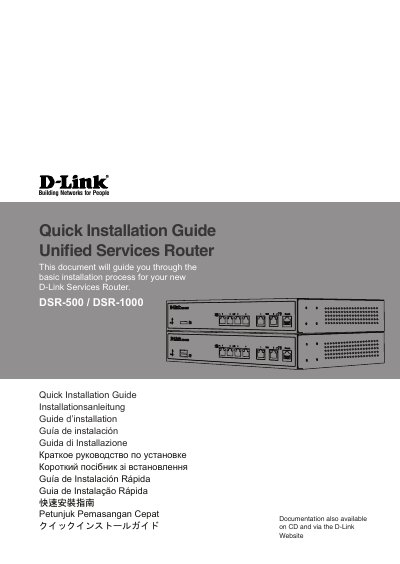
D-Link DSR-500/1000 Quick Installation Guide
This document guides users through the basic installation process for the new D-Link DSR-500/1000 Services Router. It covers unpacking the contents, verifying items against the packing list, and mounting the device in a standard 19-inch equipment rack using provided brackets.
The guide details how to connect power and network cables (WAN, LAN, Console) correctly. It explains how to access the Web-based management interface via a browser or configure the device using a console connection with specific terminal settings.
D-Link DSR-500 specifications
| Default LAN IP Address | 192.168.10.1/24 |
|---|---|
| Default WAN2 IP Address (DMZ) | 172.17.100.254/24 |
| Console Baud Rate | 115200 |
| Data Bits (Console) | 8 |
| Stop Bits (Console) | 1 |
All D-Link DSR-500 documents by type
The shortest path to a working setup, usually only a few pages.
Day-to-day operation, settings and troubleshooting. Start here if the product is already set up.
Questions answered in these manuals
What is the default username and password for the D-Link Services Router?
The default login information is Username: admin and Password: admin.
How do I access the Web-based management interface?
Connect a workstation to a LAN port, ensure it has an IP in the 192.168.10.0/24 subnet, and enter Https://192.168.10.1 in your browser.
Which models are covered by this manual?
The manual covers the DSR-500, DSR-500N, DSR-1000, and DSR-1000N Unified Services Router models.
From: D-Link DSR-500/500N/1000/1000N Unified Services Router User Manual
Does the manual cover IPv6 LAN configuration?
Yes. The table of contents includes LAN Configuration in an IPv6 Network and Configuring IPv6 Router Advertisements.
From: D-Link DSR-500/500N/1000/1000N Unified Services Router User Manual