
Key facts
- Brand
- D-Link
- Model
- DIR-628
- Documents
- 2
- Languages
- ZH
- Last added
- 2011-10-28
Start here
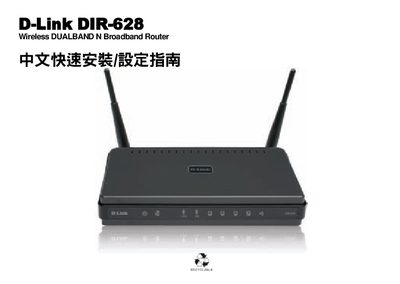
D-Link DIR-628 Wireless Router Quick Installation Guide
The manual begins with a description of the router’s front panel indicators and rear ports, showing how to connect the power adapter, WAN, and LAN cables. It explains that the WAN and LAN ports support Auto MDI‑IX detection, and details the LED behavior for power, internet, wireless, and LAN activity.
Next, it provides step‑by‑step instructions for the first‑time setup: connecting the router to a modem, accessing the web‑based configuration interface, setting up the internet connection, and selecting the desired wireless band (2.4 GHz or 5 GHz). It also includes notes on using Windows TCP/IP settings, resetting the device, and obtaining firmware updates from D‑Link’s support site. This manual is written in Chinese.
D-Link DIR-628 specifications
| Wireless Standard | Dual‑Band N |
|---|---|
| LAN Port Speed | 10/100 Mbps |
| WAN Port Speed | 10/100 Mbps Auto MDI‑X |
| USB Interface | USB 1.1/2.0 |
All D-Link DIR-628 documents by type
Disassembly, diagnostics and part numbers, for repair.
The shortest path to a working setup, usually only a few pages.
Questions answered in these manuals
What are the LAN port speeds on the DIR-628?
Each LAN port supports 10/100 Mbps Ethernet connections.