
Key facts
Start here
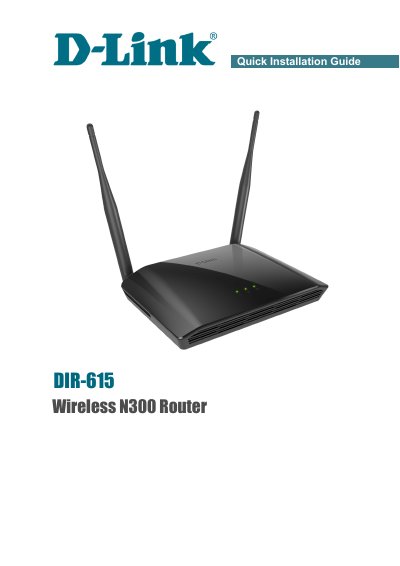
D-Link DIR-615 Wireless N300 Router Quick Installation Guide
This document serves as a Quick Installation Guide for the D-Link DIR-615 Wireless N300 Router. It details the contents of the delivery package, including the router, power adapter, and guide itself, and warns against using power supplies with different voltage ratings. The guide provides default settings such as the IP address (192.168.0.1), username (admin), and password (admin), advising users to change the network key and SSID before connecting to the Internet.
Read onlineD-Link DIR-615 specifications
| Power Adapter | DC 12V/0.5A |
|---|---|
| Default IP Address | 192.168.0.1 |
| Default Username | admin |
| Default Password | admin |
Source: D-Link DIR-615 Wireless N300 Router Quick Installation Guide
All D-Link DIR-615 documents by type
Day-to-day operation, settings and troubleshooting. Start here if the product is already set up.
Disassembly, diagnostics and part numbers, for repair.
Mounting, wiring and first power-up. Read it before the hardware goes in.
How to use the product for one specific task, with worked examples.
The shortest path to a working setup, usually only a few pages.
Questions answered in these manuals
How do I reset the router to factory default settings?
Press and hold the WPS/RESET button on the back panel for 10 seconds until the router reboots.
From: D-Link DIR-615 Wireless N300 Router Quick Installation Guide
What is the default IP address for the router's web-based interface?
The default IP address of the router is 192.168.0.1.
From: D-Link DIR-615 Wireless N300 Router Quick Installation Guide
What type of power adapter should be used with the DIR‑615?
You must use the supplied power adapter; using a power supply with a different voltage rating can cause damage and void the warranty.
How many LAN ports does the DIR‑615 have?
The router provides four LAN ports, labeled LAN Ports (1‑4).
How do I reset the DIR-615 to factory defaults?
Press the Reset button on the router; this restores the device to its original factory default settings.
What are the system requirements for using the DIR-615?
You need an Ethernet‑based cable or DSL modem, a computer with Windows®, macOS, or Linux and an Ethernet adapter, and a web browser such as IE 6.0, Mozilla 1.7.12, or Firefox 1.5+.