
Key facts
Start here
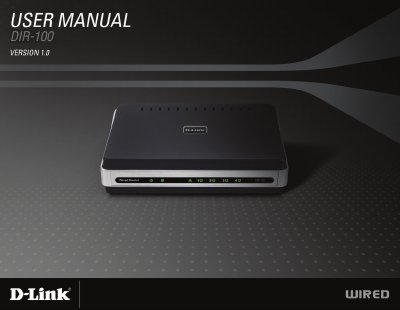
D-Link DIR-100 Router User Manual
The DIR-100 is an Ethernet broadband router that shares a high‑speed Internet connection among multiple computers. It includes features such as VPN pass‑through, advanced firewall, port forwarding, and a built‑in Ethernet switch.
The manual guides users through installation, network settings, DHCP configuration, security options, and troubleshooting, with appendices covering static IP assignment and basic networking concepts. This manual is written in Chinese.
D-Link DIR-100 specifications
| LAN ports | 4 (1‑4) |
|---|---|
| WAN port | Auto‑MDIX |
| Power adapter | Must match voltage rating; incorrect voltage damages unit |
| VPN support | IPSec and PPTP pass‑through |
All D-Link DIR-100 documents by type
Day-to-day operation, settings and troubleshooting. Start here if the product is already set up.
Questions answered in these manuals
How do I reset the DIR-100 to factory defaults?
While the device is powered on, press and hold the reset button (using a paper‑clip) for about 10 seconds, then release.
How can I assign a static IP address to the DIR-100?
Open the network adapter properties, select “Use the following IP address,” and enter the desired IP, subnet mask, and gateway as described in Appendix A.