
Key facts
- Brand
- D-Link
- Model
- DWL-3500AP
- Category
- Wireless connection
- Industry
- Computers
- Documents
- 2
- Languages
- EN
- Last added
- 2022-09-21
Start here
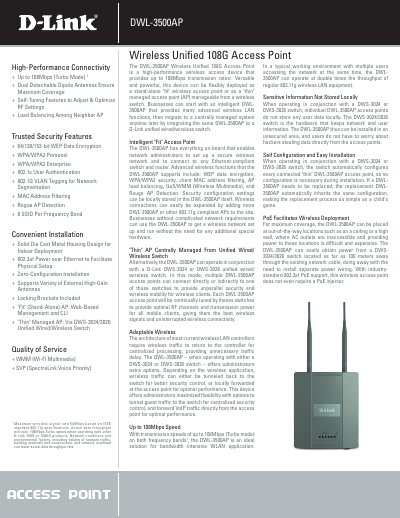
D-Link DWL-3500AP Wireless Unified 108G Access Point Product Leaflet
The D-Link DWL-3500AP Wireless Unified 108G Access Point is a high-performance wireless device designed to provide up to 108Mbps transmission rates. It offers flexible deployment options, functioning either as a standalone 'Fit' access point with on-board security features or as a 'Thin' managed access point controlled by a D-Link unified wired/wireless switch. When operating in 'Thin' mode, the device relies on the switch for centralized management, configuration, and data storage, allowing for simplified installation and replacement.
Read onlineD-Link DWL-3500AP specifications
| Maximum Transmission Rate | 108Mbps (Turbo mode) |
|---|---|
| Wireless Standards | IEEE 802.11b, 802.11g |
| Power Supply | 48VDC +/- 10% (PoE) |
| Antenna Type | Dual 5dBi Gain Detachable Dipole |
| Operating Temperature | 0˚ to 40˚ C |
| Power Consumption | Max. 8.5W with POE |
Source: D-Link DWL-3500AP Wireless Unified 108G Access Point Product Leaflet
All D-Link DWL-3500AP documents by type
Mounting, wiring and first power-up. Read it before the hardware goes in.
Questions answered in these manuals
Can the DWL-3500AP be used without a switch?
Yes, it can operate as a standalone 'Fit' access point with on-board configuration.
From: D-Link DWL-3500AP Wireless Unified 108G Access Point Product Leaflet
Does the device support Power over Ethernet?
Yes, it supports 802.3af PoE, allowing power delivery through the network cable.
From: D-Link DWL-3500AP Wireless Unified 108G Access Point Product Leaflet
How do I activate the access point after installation?
After connecting Ethernet and power, log into the D-Link wireless switch web GUI and follow the "Basic Setup" steps to discover and activate the AP.