
Key facts
- Brand
- D-Link
- Model
- 1224TP
- Category
- Network Switches
- Documents
- 2
- Languages
- EN
- Last added
- 2012-05-08
Start here
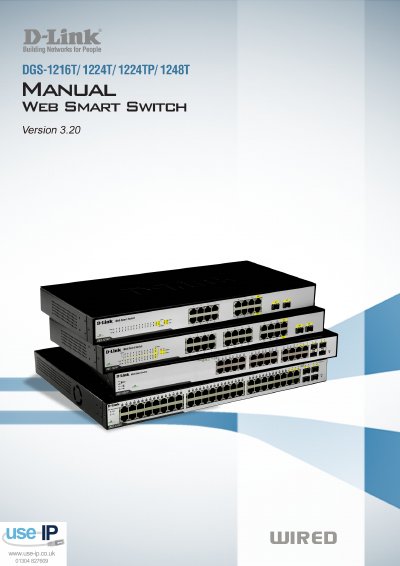
D-Link DGS-1216T/1224T/1224TP/1248T User Manual
This manual provides step‑by‑step instructions for unpacking, installing, and powering D‑Link DGS‑1216T/1224T/1224TP/1248T Web Smart Switches, and explains how to access the web‑based management utility and SmartConsole software.
It also describes the switches’ hardware specifications, supported features such as VLAN, QoS, and PoE (for the DGS‑1224TP model), and provides detailed configuration options for networking, security, and monitoring.
D-Link 1224TP specifications
| Switching Capacity (DGS-1216T) | 32Gbps |
|---|---|
| Max Forwarding Rate (DGS-1216T) | 23.8Mpps |
| Packet Buffer Memory (DGS-1216T) | 512KB |
| Flash Memory | 2M Bytes |
| Port Functions | 16, 24 or 48 10/100/1000BaseT ports |
| Power Input | 100~240 VAC, 50/60Hz |
All D-Link 1224TP documents by type
Day-to-day operation, settings and troubleshooting. Start here if the product is already set up.
Questions answered in these manuals
What is the default IP address of the switch?
The factory default IP address is 192.168.0.1 with a subnet mask of 255.255.255.0.
How many ports does the DGS-1248T have?
The DGS-1248T provides 48 10/100/1000BaseT ports.
What is the default IP address of the switch?
The factory‑default IP address is 192.168.0.1 with a subnet mask of 255.255.255.0 and a default gateway of 192.168.0.254.
What PoE standards are supported by the DGS‑1224TP model?
The DGS‑1224TP supports IEEE 802.3af PoE.