
Key facts
- Brand
- Philips
- Model
- SA3315
- Category
- MP3 Player
- Industry
- Electronics
- Documents
- 3
- Languages
- EN · ZH
- Last added
- 2012-03-27
Start here
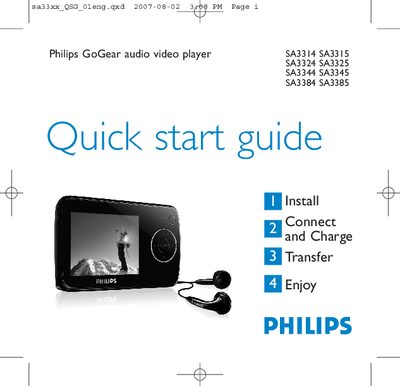
PHILIPS SA3314 SA3315 Quick start guide
This guide introduces the Philips SA33xx GoGear audio video player, showing how to install the required software, connect the device to a PC, and charge the battery for first‑time use. It also explains how to transfer music, pictures and videos, and provides an overview of the player’s controls and menu navigation.
The document includes step‑by‑step instructions for using the radio, recording voice memos, displaying lyrics, and troubleshooting common issues such as resetting the player. Environmental disposal information and details on product registration and software upgrades are also provided.
Philips SA3315 specifications
| Battery charge time (full) | 4 hours |
|---|---|
| Battery charge time (80%) | 2 hours |
| USB connector | Mini USB port |
All Philips SA3315 documents by type
Day-to-day operation, settings and troubleshooting. Start here if the product is already set up.
The shortest path to a working setup, usually only a few pages.
Questions answered in these manuals
How do I reset the player?
Insert a pin into the reset hole at the bottom of the player and hold until it shuts down; if that fails, use the Device Manager recovery mode.
How can I transfer music to the player?
Connect the player to a PC via USB, then copy MP3/WMA files from the computer to the player using Windows Explorer or the Philips Media Converter for video files.
How do I register my Philips music player?
Visit www.philips.com/welcome and register the product to receive free upgrades and support.
From: Philips SA3314 SA3315 SA3324 SA3325 SA3344 SA3345 SA3384 SA3385 Music Player User Manual
What are the operating temperature limits for the player?
The device can be used between 0 °C and 35 °C (32 °F to 95 °F).
From: Philips SA3314 SA3315 SA3324 SA3325 SA3344 SA3345 SA3384 SA3385 Music Player User Manual