
Philips GoGear audio video player Quick start guide, introduces how to install, connect, charge, transfer music, pictures and videos, and how to play music, listen to the radio, record and play back recordings
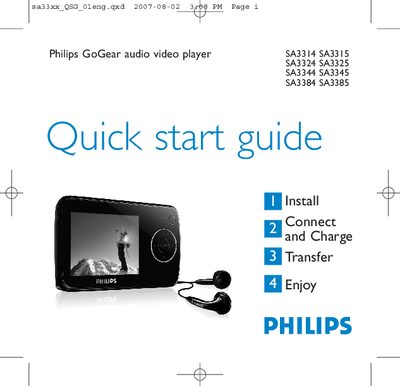
This guide introduces the Philips SA33xx GoGear audio video player, showing how to install the required software, connect the device to a PC, and charge the battery for first‑time use. It also explains how to transfer music, pictures and videos, and provides an overview of the player’s controls and menu navigation.
The document includes step‑by‑step instructions for using the radio, recording voice memos, displaying lyrics, and troubleshooting common issues such as resetting the player. Environmental disposal information and details on product registration and software upgrades are also provided.
| Battery charge time (full) | 4 hours |
|---|---|
| Battery charge time (80%) | 2 hours |
| USB connector | Mini USB port |
Insert a pin into the reset hole at the bottom of the player and hold until it shuts down; if that fails, use the Device Manager recovery mode.
Connect the player to a PC via USB, then copy MP3/WMA files from the computer to the player using Windows Explorer or the Philips Media Converter for video files.
Charge the player for at least 5 hours before first use; it will be fully charged after 4 hours.