
Key facts
- Brand
- Philips
- Model
- MCD107
- Category
- Hi-Fi
- Industry
- Appliances
- Documents
- 6
- Languages
- EN · ZH
- Last added
- 2012-03-26
Start here
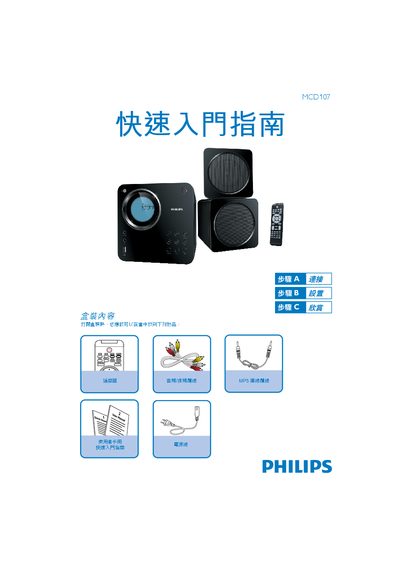
Philips MCD107 Audio System Quick Start Guide
The Philips MCD107 Quick Start Guide walks users through the essential steps to set up and operate the audio system, covering power connection, clock configuration, and basic playback functions.
It also lists the items included in the box and provides instructions for CD, USB, and FM tuner usage, directing users to the full user manual for detailed features. This manual is written in Chinese.
Philips MCD107 specifications
| Supported Media | DVD, VCD, SVCD, USB |
|---|---|
| MP3 Link | Available |
| Remote Control | Included with cables |
Source: Philips MCD107 User Manual
All Philips MCD107 documents by type
Day-to-day operation, settings and troubleshooting. Start here if the product is already set up.
The shortest path to a working setup, usually only a few pages.
Questions answered in these manuals
How can I register my Philips MCD107 product?
You can register the product at www.philips.com/welcome.
Which media formats does the MCD107 support?
It supports DVD, VCD, SVCD and USB playback, as well as MP3 files via the MP3 Link function.
How do I set the clock on the Philips MCD107?
In standby mode, hold the CLOCK/DISPLAY button to enter clock‑setting mode, then use the 5/6 buttons to set hour and minute, confirming with CLOCK/DISPLAY.
How can I play a CD with the MCD107?
Press DISC to select the CD source, press / to open the disc slot, place the disc cover up, close the slot, and playback starts automatically.
What are the power requirements for the device?
The unit operates on a universal 100‑240 VAC power supply at 50/60 Hz.
How do I adjust the volume?
Press the VOLUME +/- buttons on the remote or the unit.