
This document describes the contents of the MCD107 box, including a quick start guide, remote control, user manual, power cord, audio/video cable, etc. It also explains how to set the clock, play discs, play USB devices, and select tuner sources.
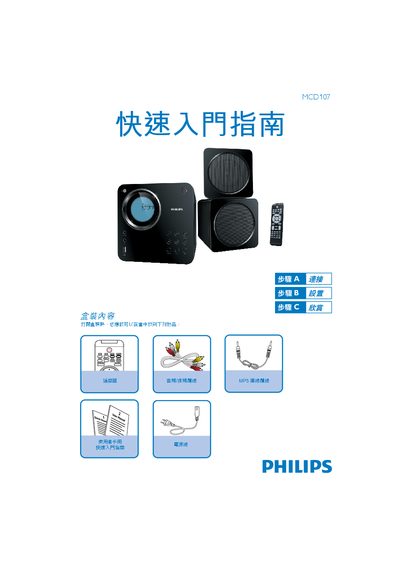
The Philips MCD107 Quick Start Guide walks users through the essential steps to set up and operate the audio system, covering power connection, clock configuration, and basic playback functions.
It also lists the items included in the box and provides instructions for CD, USB, and FM tuner usage, directing users to the full user manual for detailed features. This manual is written in Chinese.
In standby mode, hold the CLOCK/DISPLAY button to enter clock‑setting mode, then use the 5/6 buttons to set hour and minute, confirming with CLOCK/DISPLAY.
Press DISC to select the CD source, press / to open the disc slot, place the disc cover up, close the slot, and playback starts automatically.
Insert the USB plug into the USB slot, press the USB button, and playback begins automatically.
Press TUNER to select the tuner source, hold PROG/ANGLE for more than two seconds to list stations, then use the arrow keys to choose the desired station.