
This manual introduces the basic operations of Philips MCD107 DVD micro system. It includes information on safety, connections, operation, playback, listening to the radio and adjusting settings.
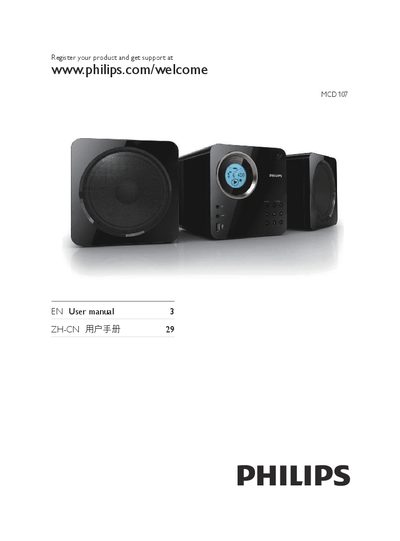
This manual introduces the Philips MCD107 DVD Mini Theater, covering safety warnings, package contents, and an overview of the main unit and remote control. It explains how to connect the device to speakers, a TV, and power, and describes the functions of each button and menu.
Detailed sections guide users through initial setup, playback of DVDs, VCDs, USB media, DivX video, and FM radio, as well as system settings such as volume, bass enhancement, clock, and timer. The guide also includes specifications, supported formats, and a troubleshooting chapter for common issues. This manual is written in Chinese.
Press the VOLUME +/- buttons on the remote or the unit.
Press the MUTE button to silence or restore the audio output.
Select the CLOCK/DISPLAY option in the system menu and adjust the time.