
Key facts
- Brand
- EXTECH
- Model
- PH60
- Industry
- Industrial
- Documents
- 2
- Languages
- EN
- Last added
- 2012-08-01
Start here
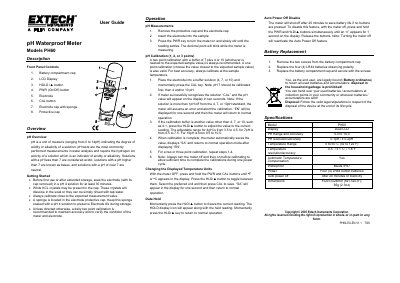
Extech PH60 pH Waterproof Meter User Guide
User Manual 1 pages · 116 KB · EN
This document is the user guide for the Extech PH60 pH Waterproof Meter. It provides instructions on getting started, including soaking the electrode and performing daily calibration. The guide details how to take pH measurements, adjust temperature units, use the data hold function, and replace batteries.
Read onlineEXTECH PH60 specifications
| pH Range | 0 to 14 |
|---|---|
| pH Resolution | 0.01 pH |
| pH Accuracy | ±0.2 pH |
| Temperature Range | 0 to 50°C (82 to 122°F) |
| Temperature Resolution | 0.1°C / 1.8°F |
| Waterproof Rating | IP67 |
| Power Source | Four (4) LR44 button batteries |
| Dimensions | 152x37x24mm (6x1.5x0.9") |
| Weight | 65g (2.302 oz) |
All EXTECH PH60 documents by type
User Manual 2
Day-to-day operation, settings and troubleshooting. Start here if the product is already set up.
Questions answered in these manuals
How should the electrode be prepared before first use?
Soak the electrode (with its cap removed) in a pH 4 solution for at least 30 minutes.
What is the recommended calibration frequency?
A daily two point calibration is recommended to maintain accuracy and verify the condition of the meter.
How should the electrode be prepared before first use?
Soak the electrode in a pH 4 solution for at least 30 minutes.
What is the recommended calibration procedure?
A daily two-point calibration using buffers of 7 plus 4 or 10 is recommended.