
Key facts
- Brand
- EXTECH
- Model
- MO257
- Industry
- Industrial
- Documents
- 4
- Languages
- EN
- Last added
- 2023-10-18
Start here
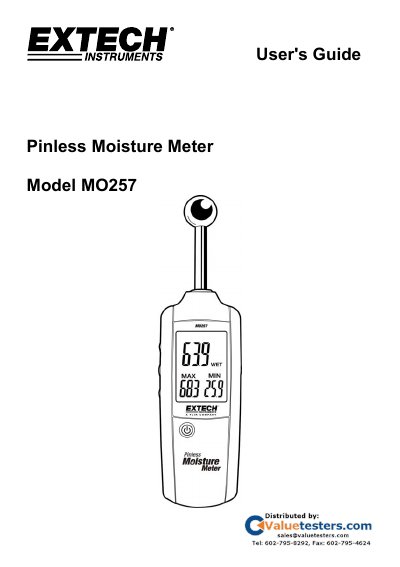
Extech MO257 Pinless Moisture Meter User's Guide
The Extech MO257 Pinless Moisture Meter uses high-frequency sensing technology to monitor moisture in wood and other building materials without causing surface damage. The device features a backlit LCD display, programmable alarms for DRY, RISK, and WET conditions, and an auto power-off function to conserve battery energy.
The guide details the meter's operation, including the calibration procedure required before first use and whenever the meter is moved. It explains how to set alarm thresholds and provides a moisture comparison table for typical materials like gypsum, cement, and wood.
EXTECH MO257 specifications
| Measurement Depth | 20 to 40mm (0.79 to 1.57") |
|---|---|
| Display Type | Backlit LCD |
| Operating Temperature | 4 to 43°C (40 to 110°F) |
| Power Supply | Three (3) 1.5V 'AAA' batteries |
| Auto Power Off | After 30 minutes of inactivity |
| Dimensions | 235 x 63 x 28mm (9.2 x 2.5 x 1.1") |
All EXTECH MO257 documents by type
Day-to-day operation, settings and troubleshooting. Start here if the product is already set up.
Questions answered in these manuals
What is the measurement depth of the MO257?
The meter can sense moisture to a depth of 20 to 40mm (0.79 to 1.57 inches).
How long does the meter stay in HOLD mode?
The meter will hold the reading for 30 seconds before automatically shutting down.
How do I calibrate the MO257 moisture meter?
Press the MEAS button immediately after powering on. Keep the sensor at least 3–4 inches from any object. Calibration is complete when beeping and flashing stop. If the calibration reading exceeds 0.5, re-calibrate with hands clear of the sensor.
What is the moisture range of the MO257 meter?
The moisture range is 0.0 to 100.0 Relative only.
What is the measurement depth of the sensor?
The meter can sense moisture to a depth of 0.79 to 1.57 inches (20 to 40mm).
What is the maximum depth this meter can sense moisture?
The meter can sense moisture to a depth of 0.79 to 1.57 inches (20 to 40mm).