
Key facts
- Brand
- EXTECH
- Model
- RH490
- Category
- Other Electronics
- Documents
- 2
- Languages
- EN
- Last added
- 2023-10-18
Start here
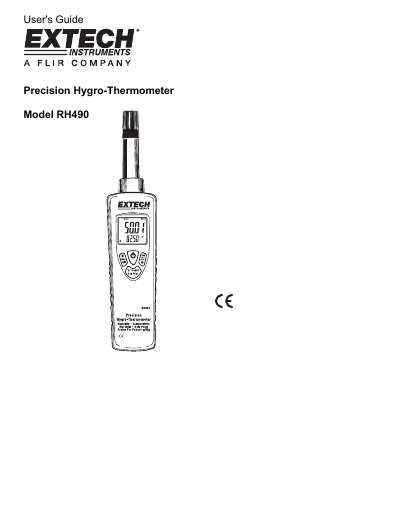
Extech RH490 Precision Hygro-Thermometer User's Guide
The Extech RH490 Precision Hygro-Thermometer is designed to measure humidity, air temperature, dew point, wet bulb temperature, and grains of water vapor per pound of air. The device features an LCD display with multiple measurement modes and includes advanced functions such as data hold, automatic power off, and maximum/minimum value recording. It is shipped fully tested and calibrated to ensure reliable service.
Read onlineExtech RH490 specifications
| Response Time | <30 seconds |
|---|---|
| Power Supply | 9 Volt battery |
| Battery Life | Approx. 24 hours |
| Dimensions | 200 x 45 x 33mm (7.8 x 1.7 x 1.3") |
Source: Extech RH490 Precision Hygro-Thermometer User's Guide
All Extech RH490 documents by type
Day-to-day operation, settings and troubleshooting. Start here if the product is already set up.
Questions answered in these manuals
How do I disable the automatic power off function?
Press and hold the 'H MAX MIN' hold button while powering on the meter.
How do I turn on the backlight?
Press and hold the light button until the backlight turns on.
What is the RH490 specifically designed for?
The RH490 is specifically designed for HVAC and water damage restoration contractors.
From: Extech RH490 Precision Hygro-Thermometer Specifications Sheet
What is the maximum humidity measurement range?
The humidity measurement range is 0 to 100%RH.
From: Extech RH490 Precision Hygro-Thermometer Specifications Sheet