
Describes the use of DL160 Datalogger software
This guide explains how to install and use the software for the Extech DL160 datalogger. It covers setting up the device, downloading data, graphing, and exporting to Excel. The software supports single or dual-channel data logging with configurable sampling rates and auto power-off. Data can be saved as .stdata files or exported as .xls spreadsheets.
| Maximum Data Points (Single Channel) | 262144 |
|---|---|
| Maximum Data Points (Dual Channel) | 131072 |
| System Requirement | Windows 7, 8, and 10 |
| Minimum Hardware | Pentium 90MHz or higher, 32 MB RAM, 7 MB disk space |
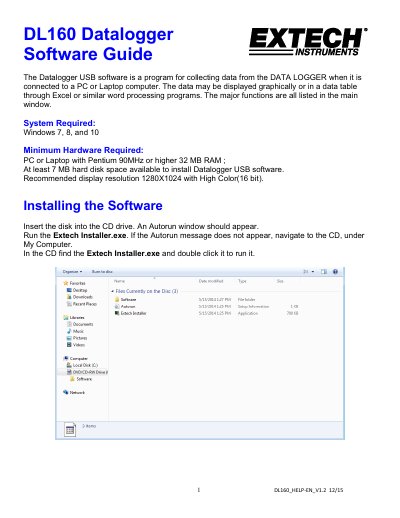
Insert the disk into the CD drive. Run Extech Installer.exe, or navigate to the CD and double-click the installer.
Data can be saved as .stdata files or exported as .xls files for use in Excel or other programs.
Connect the device via USB, open the software, click the Download icon, then press DOWNLOAD.