
Key facts
- Brand
- EXTECH
- Model
- MO210
- Documents
- 2
- Languages
- EN
- Last added
- 2023-10-18
Start here
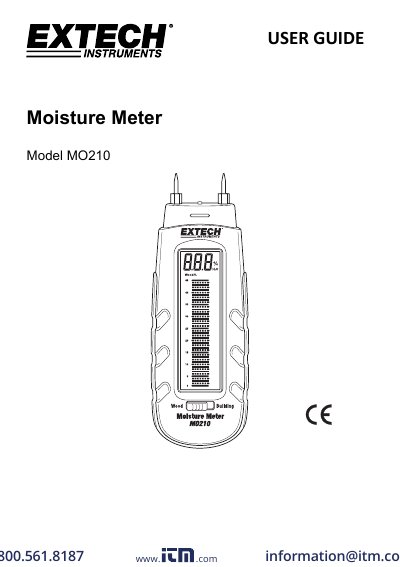
Extech MO210 Moisture Meter User Manual
This manual provides instructions for using the Extech MO210 moisture meter, including how to measure moisture in wood and building materials. It details electrode handling, display reading, auto power-off, and battery replacement procedures. The device features a dual-scale LCD display and is designed for reliable, long-term use with proper care.
Specifications include a measurement range of 6–44% for wood and 0.2–2.4% for building materials, with a 9.5mm electrode length and 3 CR-2032 batteries. The meter operates from 0 to 40°C and weighs 108.3g.
Extech MO210 specifications
| Display | Dual measurement scale LCD with bargraph metering |
|---|---|
| Measurement principle | Electrical resistance |
| Wood moisture range | 6 to 44% |
| Building materials moisture range | 0.2 to 2.4% |
| Electrode length | 0.3” (8mm) |
| Auto Power OFF | After approx. 15 minutes |
| Power supply | Three (3) CR-2032 button cells |
| Operating Temperature | 32 to 104 o F (0 to 40 o C) |
| Operating Humidity | 85% Relative Humidity maximum |
| Dimensions | 5.1 x 1.6 x 1.0” (130 x 40 x 25mm) |
| Weight | 3.5 oz. (100g) |
All Extech MO210 documents by type
Day-to-day operation, settings and troubleshooting. Start here if the product is already set up.
Questions answered in these manuals
How do I turn the meter on and off?
The meter automatically turns on when the protective cap is removed and turns off when the cap is replaced or after 15 minutes if the cap is left off.
How do I check the battery?
Touch the electrode pins to test points 3 and 4 labeled ‘B’ on the cap; the meter should read > 44% on the wood moisture scale.
How do I read the moisture measurement on the display?
The LCD has two scales: wood moisture from 6–44% and building materials from 0.2–2.4%. A continuous line indicates an even number, a dotted line indicates an odd number. To convert building material readings to wood %, multiply by 20.
What should I do if the battery check fails?
Replace the batteries. For the wood moisture position, touch the test pins to points labeled ‘B’; the meter should read >44% ±2%. If not, replace the batteries.