
This document introduces the features and usage of the D-Link DIR-865L router.
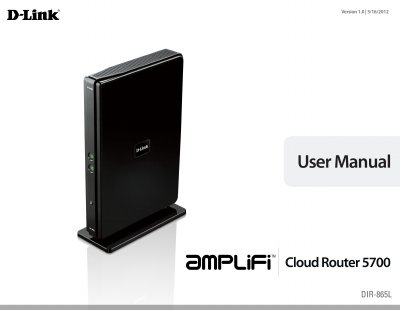
This manual provides step-by-step instructions for installing, configuring, and managing the D-Link DIR-865L Cloud Router. It covers wireless setup, security settings, network configuration, and advanced features like QoS, firewall, and guest zone. The router supports 802.11ac and 802.11n wireless standards and includes apps for mobile management.
The document also includes technical specifications, system requirements, and troubleshooting tips for optimal performance and compatibility with various devices and operating systems.
| Maximum wireless signal rate | up to 1,350Mbps |
|---|---|
| Frequency Range | varies depending on country’s regulation |
| Ethernet Ports | 4 Gigabit Ethernet Ports, 1 Gigabit WAN Port |
| Operating Temperature | 30º to 104º F (0º to 40º C) |
| Dimensions | 1.26” x 6.57” x 9.45” (32mm x 167mm x 240mm) |
| Weight | 1.22 lb (550g) |
| Warranty | 1-Year Limited Warranty |
It supports IEEE 802.11ac (draft), 802.11a, 802.11g, and 802.11n standards, with a maximum wireless signal rate of up to 1,350Mbps.
You can connect it by following the 'Connect to an Existing Router' section in the manual, which includes step-by-step instructions for setup.
The operating temperature range is 30º to 104º F (0º to 40º C).