
Key facts
- Brand
- D-Link
- Model
- DIR-505
- Category
- Other network devices
- Industry
- Electronics
- Documents
- 2
- Languages
- EN · ZH-TW
- Last added
- 2026-11-19
Start here
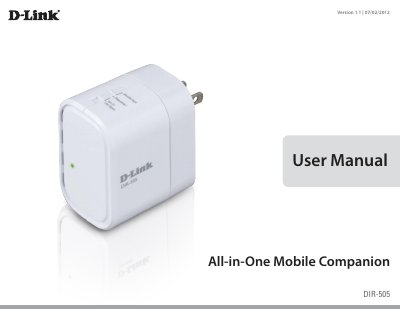
D-Link DIR-505 All-in-One Mobile Companion User Manual
The D-Link DIR-505 All-in-One Mobile Companion is a wireless networking device designed to create a secure wireless network for sharing files, music, video, and internet access. It features Wireless N 150 technology and includes a Quality of Service (QoS) engine to optimize VoIP calls and online gaming.
The device supports multiple operation modes, including Router, Access Point, Repeater, and Wi-Fi Hotspot. It incorporates security features such as an Active Firewall (SPI and NAT) and WPA/WPA2 encryption to protect the network from unauthorized access.
D-Link DIR-505 specifications
| Wireless Connection Rate | Up to 150 Mbps |
|---|---|
| Wireless Standards | IEEE 802.11n, 802.11g |
| Ethernet Interface | 10/100 Ethernet |
Source: D-Link DIR-505 All-in-One Mobile Companion User Manual
All D-Link DIR-505 documents by type
Day-to-day operation, settings and troubleshooting. Start here if the product is already set up.
Questions answered in these manuals
How do I power down the DIR-505?
Since the product does not have a standby or power management mode, you should simply unplug it from the power outlet.
From: D-Link DIR-505 All-in-One Mobile Companion User Manual
What are the supported operation modes for the DIR-505?
The device can operate in Router, Access Point, Repeater, and Wi-Fi Hotspot modes.
From: D-Link DIR-505 All-in-One Mobile Companion User Manual
How do I reset the DIR-505 to factory settings?
Press and hold the reset hole with a paperclip for about 5 seconds until the power indicator light turns red.
From: D-Link DIR-505 Multifunctional Mini Wireless Router Quick Installation Manual
Can I use USB storage in Access Point mode?
No, the manual states that USB storage access is not available in Wireless Base Station (Access Point) mode.
From: D-Link DIR-505 Multifunctional Mini Wireless Router Quick Installation Manual