
This document is about the directory and introduction of the DIR-505 multifunctional mini wireless router quick installation manual. The manual introduces various modes and functions of the product, including wireless router mode, wireless base station mode, wireless signal extension mode, wireless hotspot mode, etc. In addition, the manual also introduces the USB storage device access method, wireless card and DIR-505 wireless connection settings, and instructions for connecting with iPhone/iPad and Windows/Mac OS devices. The manual also provides appendices, including TCP/IP settings, IE browser settings reference, manual settings for DIR-505, and firmware update methods.
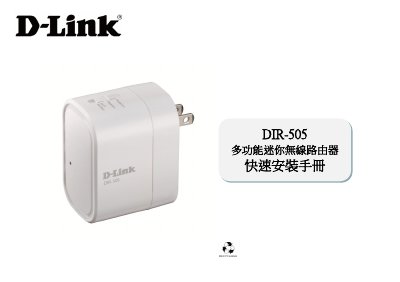
The D-Link DIR-505 is a multifunctional mini wireless router designed to create small wireless networks or extend existing ones. This quick installation manual guides users through hardware setup and configuration for different operating modes, including Wireless Router, Access Point (Wireless Base Station), Wireless Signal Extender, and Wireless Hotspot. This manual is written in Chinese.
| Network Port Speed | 10/100mbps |
|---|---|
| Reset Method | Press reset hole with paperclip for 5 seconds |
Press and hold the reset hole with a paperclip for about 5 seconds until the power indicator light turns red.
No, the manual states that USB storage access is not available in Wireless Base Station (Access Point) mode.